EDPF_NTMaster
EDPF-NT UDP unsolicited report reception and variable mapping driver
Open the plugin
Enter "Development Configuration → Collection Configuration", create a device and select "EDPF_NTMaster" in "Collection Plugin".
Supported channels and data types
| Channel type | Pre-configuration check |
|---|---|
| UDP | Confirm the local binding address, port and firewall rules, and check the source of the packet. |
Optional data types: Boolean, Byte, Int16, UInt16, Int32, UInt32, Int64, UInt64, Float, Double, String, Decimal
Address rules
- EDPF-NT address format: decimal point number [;TYPE=type], when TYPE is omitted, it is processed as TYPE=0. TYPE=0 is Single, TYPE=1 is Int32, TYPE=2 is Int16, TYPE=3 is Int32; for example, 100, 101; TYPE=1, 102; TYPE=2. Variable values are actively reported and updated by UDP, and register polling and writing are not supported.
Device debug
Enter "Development Configuration → Collection Configuration", select the current device and click "More Functions", then open "Debug".
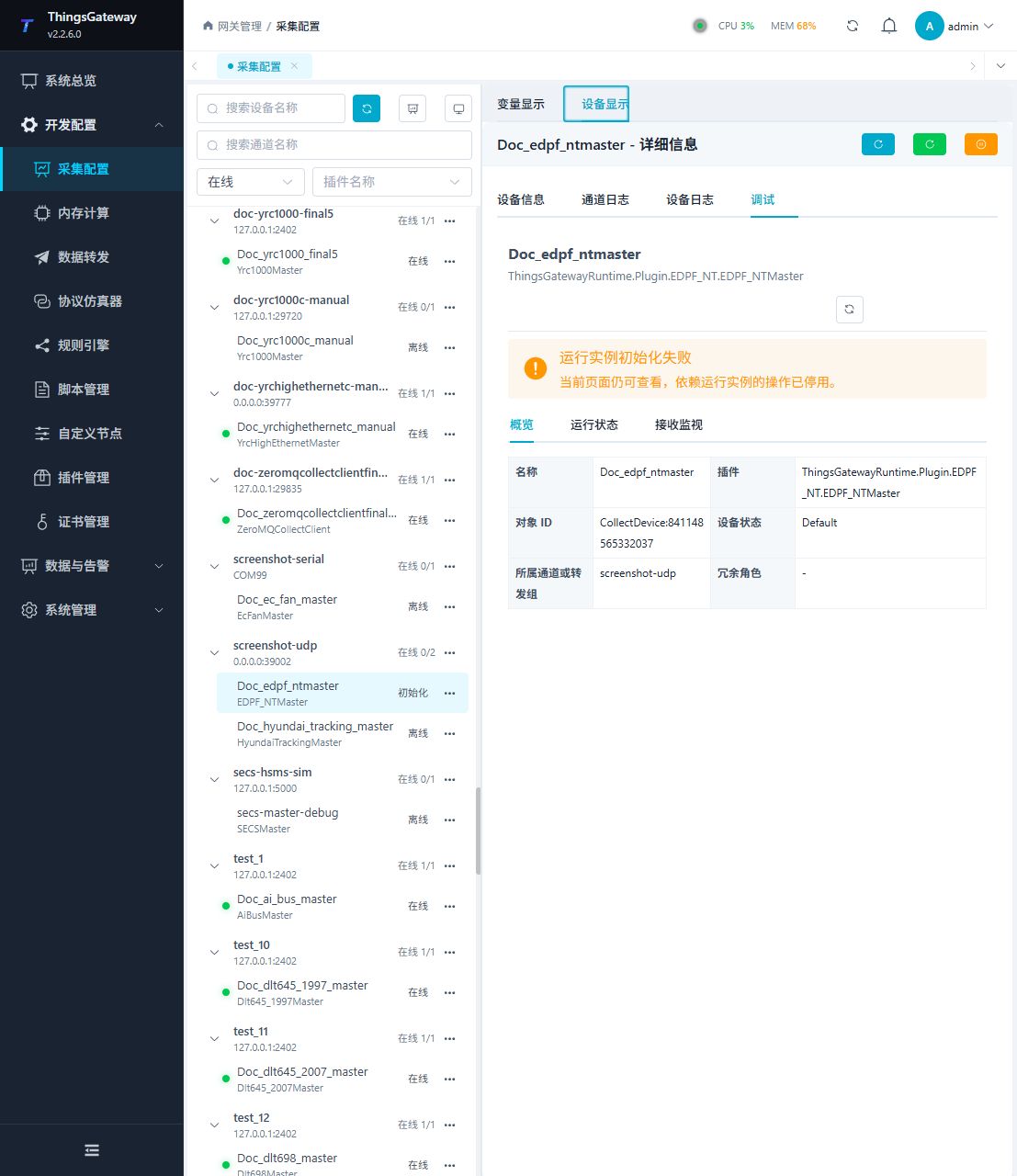
Functions
| Function | Purpose |
|---|---|
| Last activity | Use Last activity and review the returned result. |
| Variable table | Use Variable table to inspect mapped values, status, counters, recent messages, or the latest result. |
| Message statistics | View received, queued, dropped, and malformed message counts. |
| Message log | View the latest messages received by the current debug session. |
Verify the configuration
Let the field device send a test message; a new reception record should appear in "reception monitoring", and the corresponding variable value and collection time should be updated synchronously.
Troubleshooting
- There are no new messages in receiving monitoring: Confirm that the field device is actively reporting, and check the monitoring channel, message format, and variable field mapping.
Related links
- Collection configuration: View channel, device and common variable configuration.
- Plugin Index: Find other collection or data-forward plugins.