YamahaRcxMaster
YamahaRcxMaster sends Yamaha RCX commands, reads robot status and I/O, and provides program and motion controls.
Open the plugin
Enter "Development Configuration → Collection Configuration", create a device and select "YamahaRcxMaster" in "Collection Plugin".
Supported channels and data types
| Channel type | Pre-configuration check |
|---|---|
| TCP Client | Confirm network reachability of the device IP, port, and gateway to the device. |
Optional data types: Select by page options
Address rules
- Yamaha RCX does not support register variable addresses. Please select the dynamic method among other methods of variables to read motor, mode, joint, emergency stop or IO status. Program and motion control should also use the corresponding dynamic method.
Special methods
| Method | Purpose | Parameters |
|---|---|---|
| ReadCommandAsync | Execute Yamaha RCX raw command | command=single command or CRLF multiple commands |
| ResetAsync | Reset Yamaha RCX program | No parameters |
| RunAsync | Run Yamaha RCX program | No parameters |
| StopAsync | Stop Yamaha RCX program | No parameters |
| LoadAsync | Load Yamaha RCX program | program=program name,taskId=task number |
| JogXYAsync | Jog Yamaha RCX robot | axis=axis number with direction,robot=robot number |
| SendJogXYAsync | Send Yamaha RCX jog command | axis=axis number with direction,robot=robot number |
| ReadMotorStatusAsync | Read Yamaha RCX motor status | No parameters |
| ReadModeStatusAsync | Read Yamaha RCX mode | No parameters |
| ReadJointsAsync | Reads Yamaha RCX joints | No parameters |
| ReadEmergencyStatusAsync | Read Yamaha RCX emergency stop status | No parameters |
| ReadDIAsync | Read Yamaha RCX input | index=input group index |
| ReadDOAsync | Read Yamaha RCX output | index=output group index |
Write, start/stop, reset, load, delete or control methods will change the status of field devices. Before execution, confirm that the equipment is in an operable state and prepare for stop or rollback measures.
Device debug
Enter "Development Configuration → Collection Configuration", select the current device and click "More Functions", then open "Debug".
Dedicated debugging page
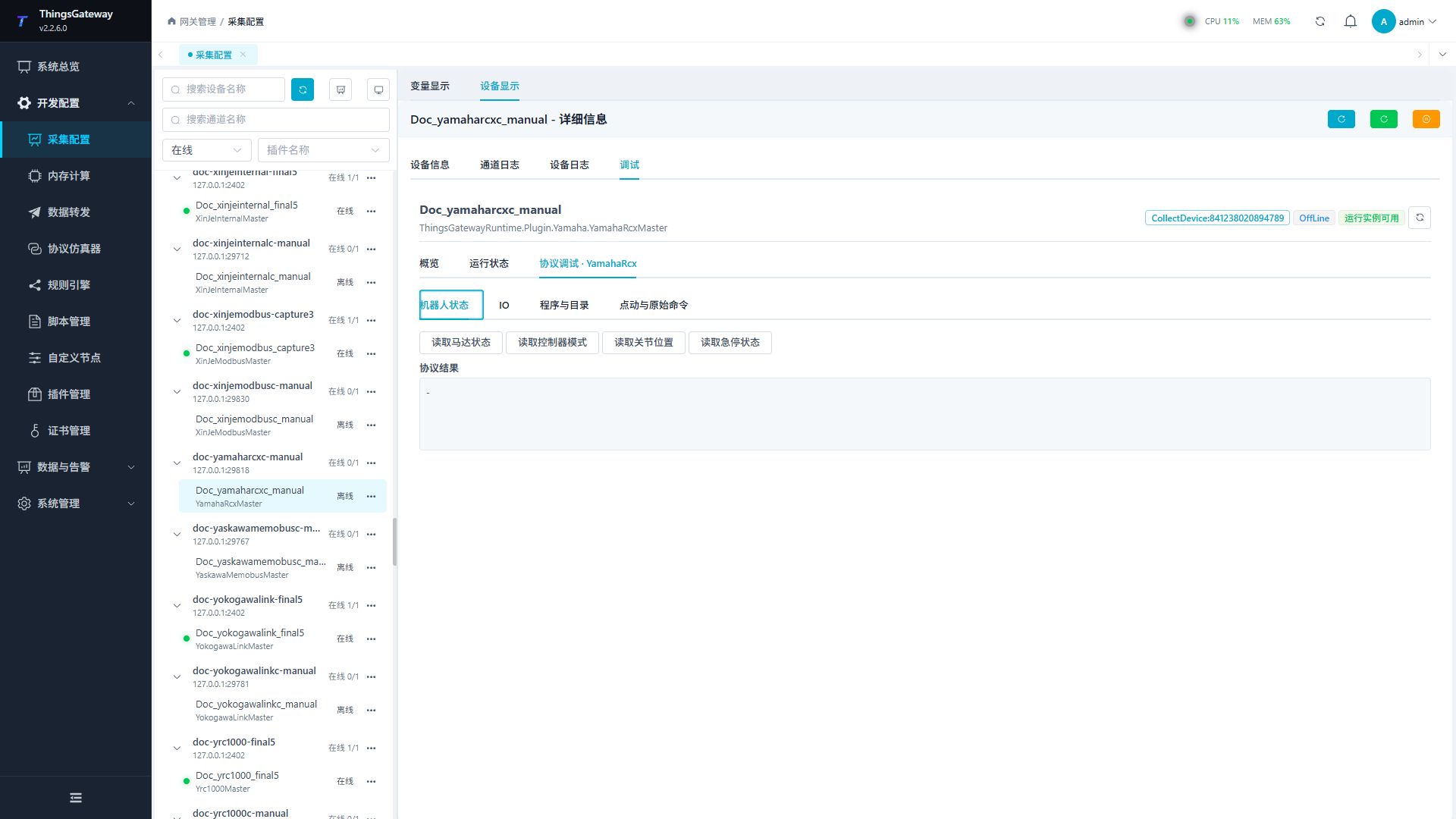
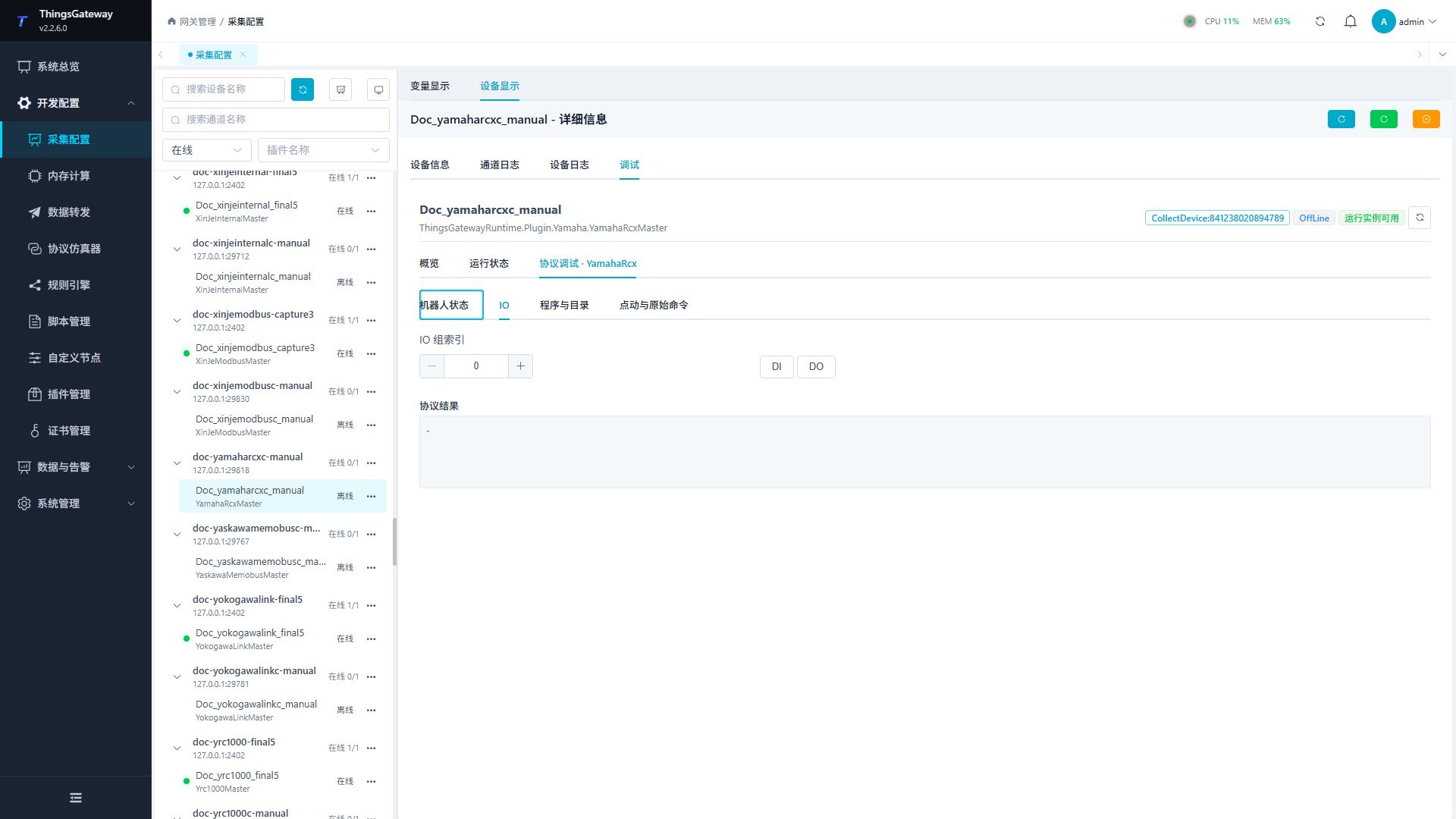
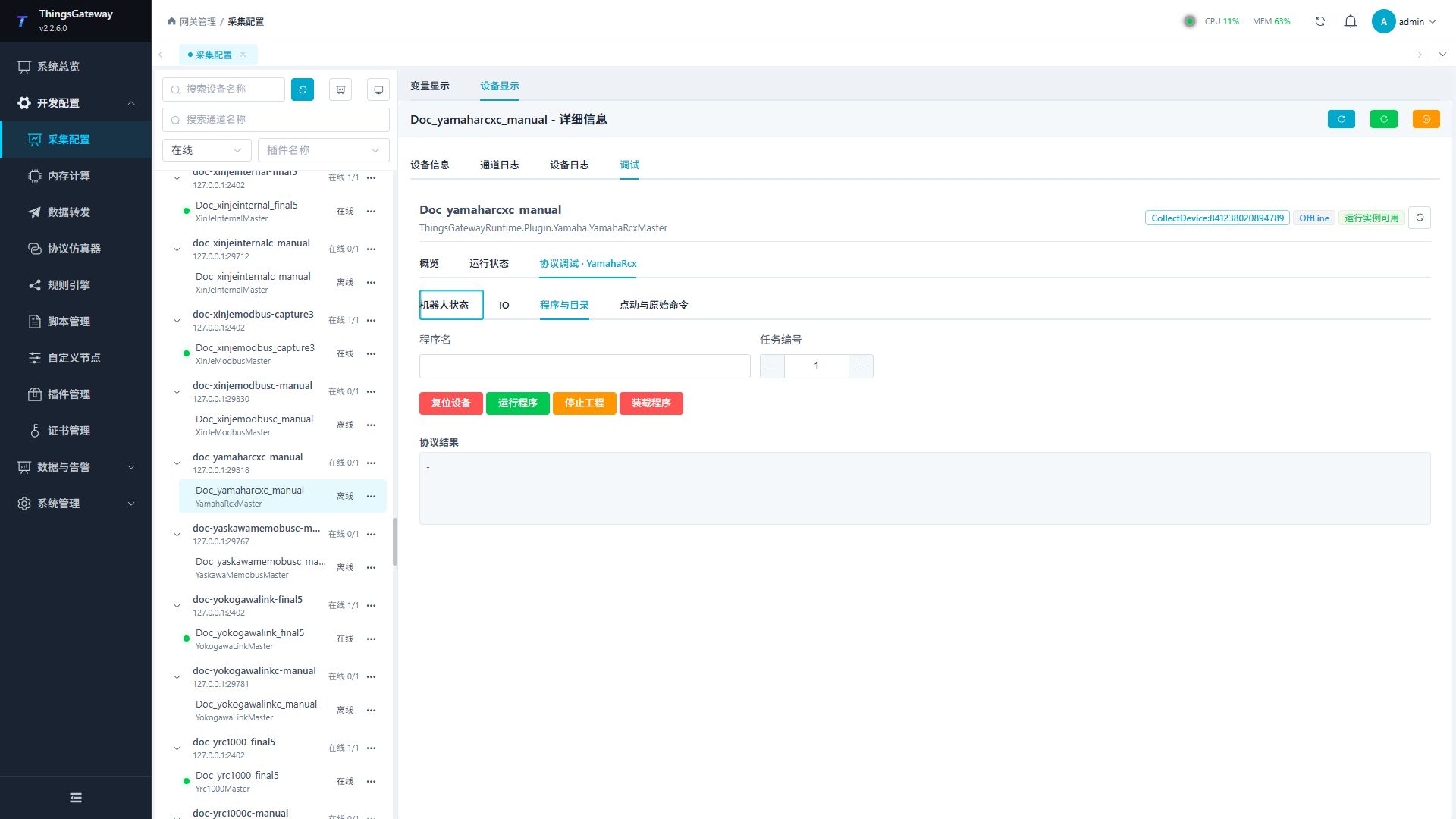
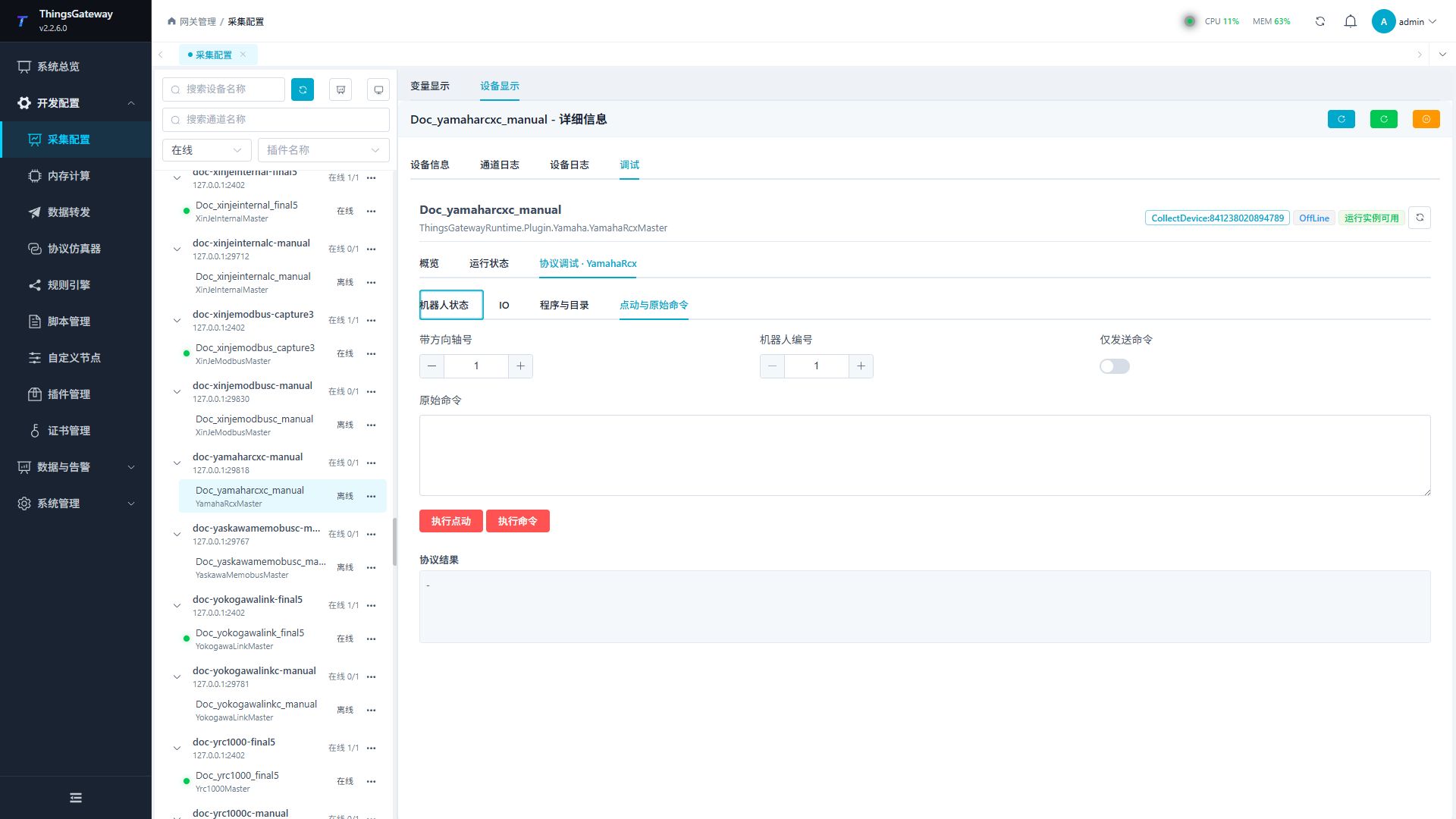
Use the robot-status panel for status, the I/O panel for inputs and outputs, the program panel for program management, and the jog/raw-command panel for control commands.
Debugging notes
First read the motor, mode, joint and emergency stop status; reset, run/stop, load program, jog and original command must be confirmed twice.
Functions
| Function | Purpose |
|---|---|
| Robot status | Read motor, mode, joint, and emergency-stop status. |
| I/O | Read one DI or DO group by index. |
| Program and directory | Load, run, stop, or reset a program. These are robot-control operations. |
| Jog and raw command | Jog an axis or send one or more raw commands. These are high-risk control operations. |
Verify the configuration
- Read motor, mode, joint, and emergency-stop status and compare it with the teach pendant.
- Read one DI group and one DO group and compare the states with field wiring and the controller monitor.
- Keep the first test read-only. Run program load, run, stop, reset, or jog only in maintenance mode after clearing the robot area and preparing an emergency stop.
- For jogging, verify the signed axis number and robot number, then use the smallest permitted motion.
- Send raw commands only when they are documented for the current controller. Do not test unknown multi-line commands.
Troubleshooting
- No status can be read: Check TCP address, port, remote-command service, and controller mode.
- Joint or I/O values differ from the teach pendant: Check robot number, I/O group index, and sampling time.
- Program control fails: Check program name, task number, motor and emergency-stop state, and remote-run permission.
- Jog fails or moves in the wrong direction: Check the signed axis number, robot number, and coordinate mode. Do not continue testing in the production area.
- Raw command returns an error: Split the request into single commands and verify CRLF formatting.
Related links
- Collection configuration: View channel, device and common variable configuration.
- Plugin Index: Find other collection or data-forward plugins.