Modbus C1 Master
This plugin polls coils, discrete inputs, input registers, and holding registers through the Modbus C1 extension and writes variables when permitted. It is named ModbusC1Master in the device selector.
See Collection Configuration for common channel, device, variable, data-format, and import operations. This page covers only C1 protocol settings, batch limits, addresses, and debug.
Open the plugin
Open Development Configuration → Collection Configuration, create a TCP client, TCP server, serial, or UDP channel matching the field link, then create a device using ModbusC1Master.
Supported scope
| Item | Description |
|---|---|
| Channels | TCP client, TCP server, serial, and UDP. Match the device transport settings. |
| Data types | Boolean, Byte, common signed/unsigned integers, Float, Double, String, and Decimal. |
Plugin properties
| Setting | Default | Range | Description |
|---|---|---|---|
| Modbus type | ModbusTcp | ModbusTcp or ModbusRtu | C1 currently provides TCP and RTU adapters; do not select ModbusAscii. |
| Default station | 1 | 1 to 255 | Used when the variable address does not specify a station. |
| FC1 maximum coils | 1600 | 1 to 2000 | Maximum coils in one FC1 read. |
| FC2 maximum discrete inputs | 1600 | 1 to 2000 | Maximum bits in one FC2 read. |
| FC3 maximum holding registers | 100 | 1 to 125 | Maximum registers in one FC3 read. |
| FC4 maximum input registers | 100 | 1 to 125 | Maximum registers in one FC4 read. |
| FC15 maximum coil write | 1968 | 1 to 1968 | Maximum coils in one FC15 write. |
| FC16 maximum register write | 123 | 1 to 123 | Maximum registers in one FC16 write. |
| DTU ID | - | - | Device identifier used by the DTU service. |
Keep batch limits at their defaults unless the device manual requires lower values.
Address rules
| Address | Area | Common read function |
|---|---|---|
00001 | Coils | FC1 |
10001 | Discrete inputs | FC2 |
30001 | Input registers | FC4 |
40001 | Holding registers | FC3 |
40001;s=2;reads the first holding register at station 2.40001;w=16;uses FC16 for writes.- Addresses are one-based. Registers occupied by adjacent variables must not overlap.
Device debug
Open Development Configuration → Collection Configuration, select the Modbus C1 device, and click More Functions, then open Debug.
| Feature | Purpose |
|---|---|
| Read/Write | Performs a single read or approved write using the C1 address syntax. |
| Messages | Shows protocol messages and logs for station, function, and response checks. |
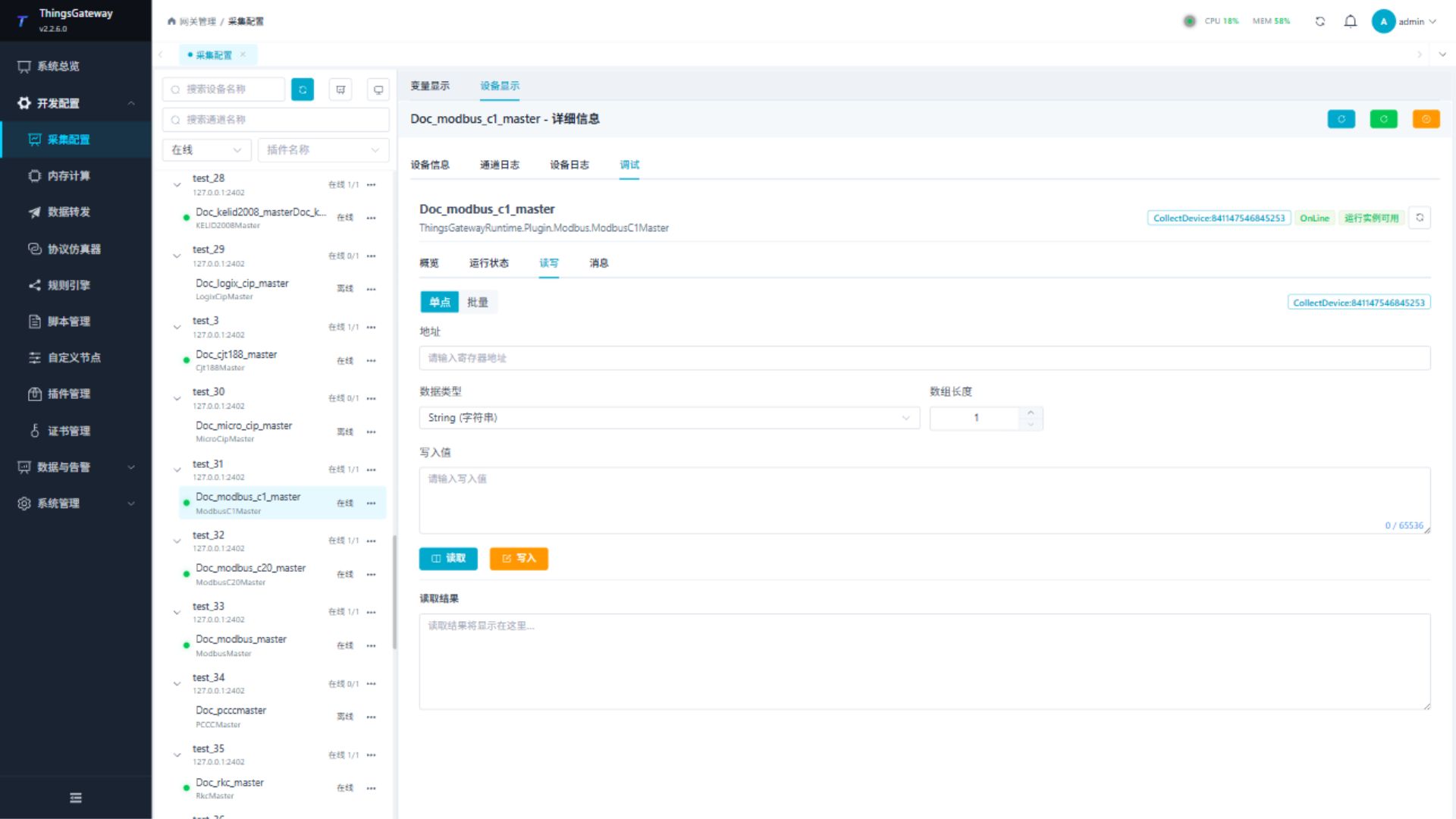
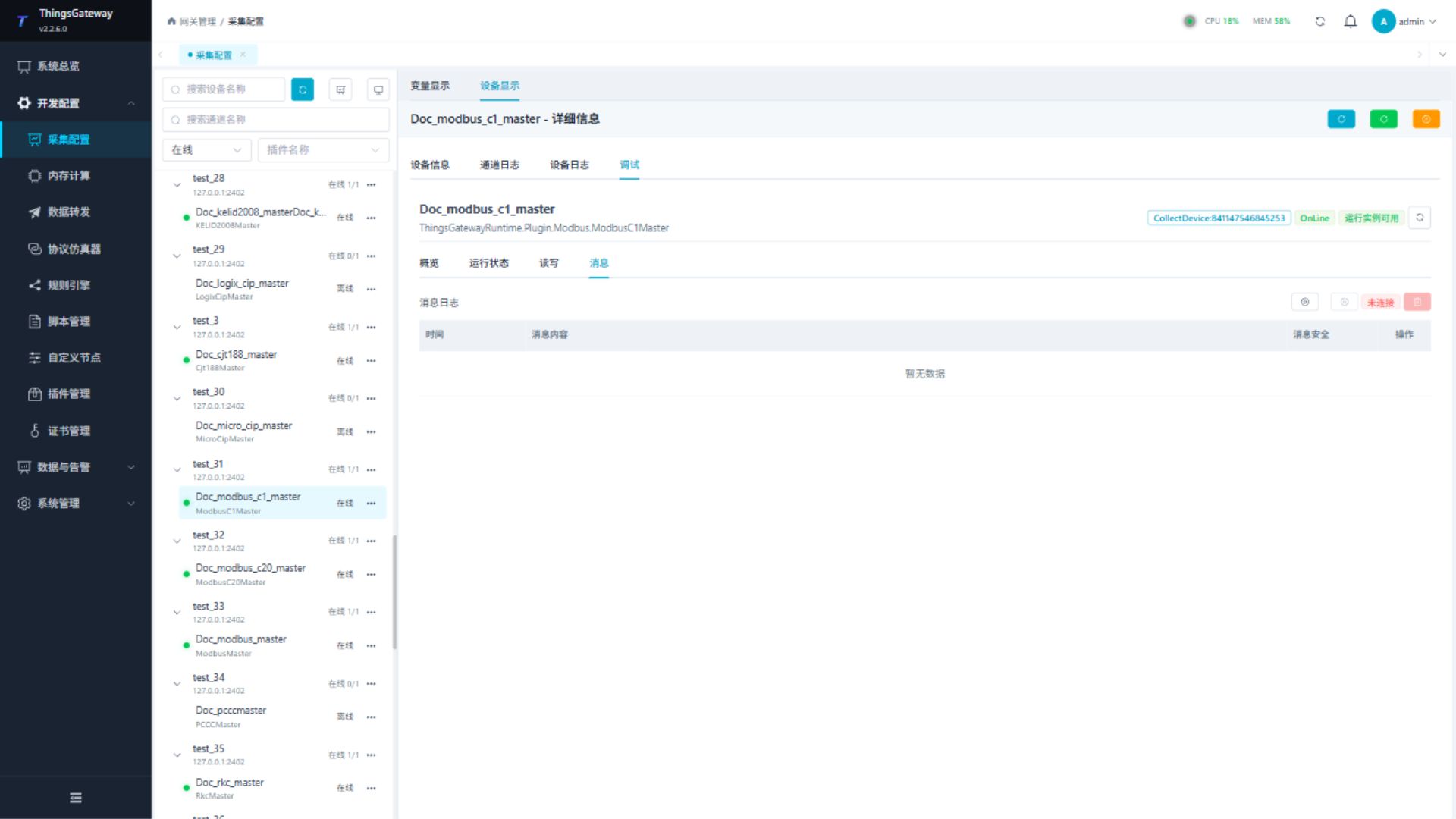
Read a known address first. Verify variable permission, function code, and site safety before writing.
Functions
| Function | Purpose |
|---|---|
| Read and write | Read a confirmed point and write only to an approved test point. |
| Messages | View sent and received frames, protocol fields, and error details. |
Verify the configuration
- Read one known register and compare station, value, data type, and byte order.
- Confirm a valid request and response under Messages.
- Write only an approved test variable and read it back as required by the site.
Troubleshooting
| Symptom | Check |
|---|---|
| No response | Channel, Modbus type (TCP/RTU only), station, address, function, serial settings, or network. |
| Exception response | Function code, address range, quantity, and device support. |
| Value is incorrect | Data type, byte order, address base, and overlap. |
| Write fails | Variable permission, write function, data type, and device write protection. |
Related links
- Collection Configuration: Common channels, devices, variables, and data format.
- Plugin Manual Index: Other collection and data-forwarding plugins.