ControlLogix EtherNet/IP Master
This plugin reads and writes Allen-Bradley ControlLogix controllers by EtherNet/IP tag name. It is named ControlLogixMaster in the device selector.
See Collection Configuration for common channel, device, variable, and data-format settings. This page covers only ControlLogix routing, tag addresses, and debug.
Open the plugin
Open Development Configuration → Collection Configuration, create a TCP client channel, then create a device using ControlLogixMaster.
Supported scope
| Item | Description |
|---|---|
| Channel | TCP client. |
| Address | Controller tag name. |
| Data types | Boolean, Byte, common signed/unsigned integers, Float, Double, String, and Decimal. |
Plugin properties
| Setting | Default | Description |
|---|---|---|
| Target slot | 0 | Slot containing the CPU module in the ControlLogix chassis. |
| Backplane port | 1 | Backplane port or path segment used to reach the CPU. |
For a CPU in a chassis, the slot must match its installed location. Configure CompactLogix or other routing layouts according to the actual controller path.
Address rules
Enter the full controller tag name, for example TankLevel. The tag name, case, array index, and program scope must match the PLC project. Configure the variable's common Array Length for arrays.
Special methods
This plugin has no additional special methods. Variables use tag names directly.
Device debug
Open Development Configuration → Collection Configuration, select the ControlLogix device, and click More Functions, then open Debug.
| Feature | Purpose |
|---|---|
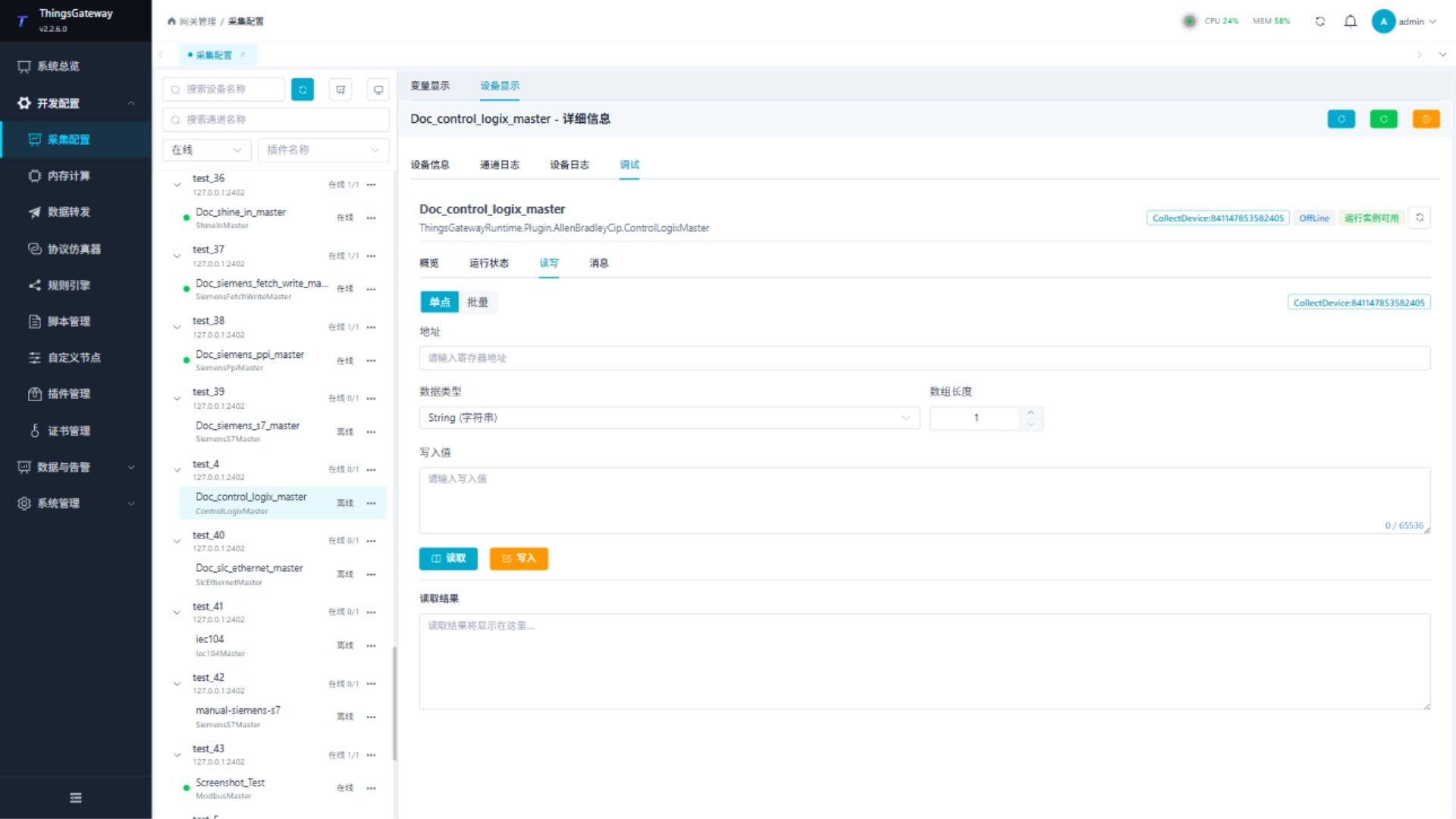
| Read/Write | Reads one tag or performs an approved write. |
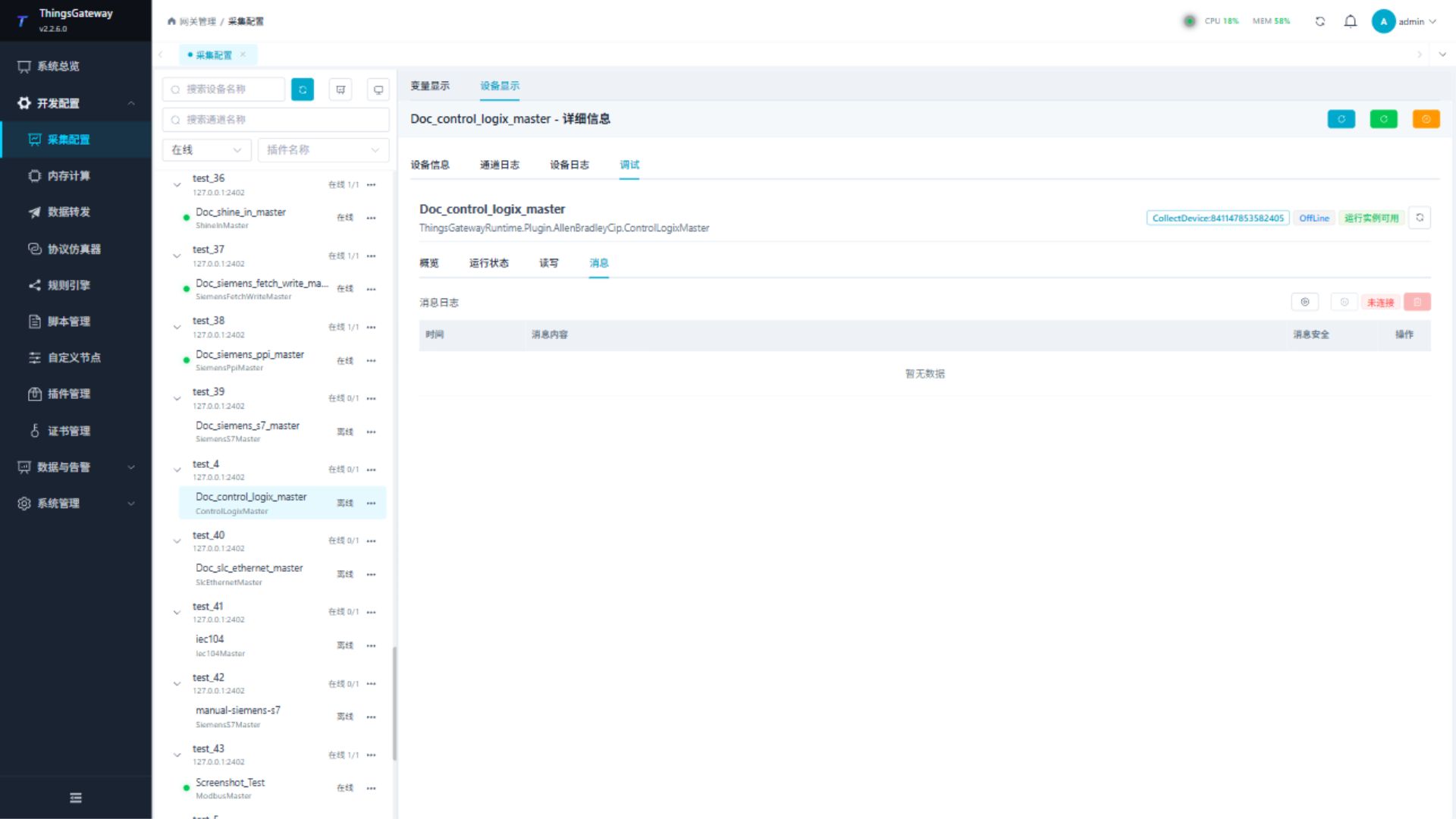
| Messages | Shows EtherNet/IP requests, responses, and connection logs. |
Read/Write
Enter the tag name, data type, and array length. Read a known tag first and write only after verifying the controller mode and site approval.
Messages
Start message capture to verify the session, route, tag, request, response, and controller status.
Functions
| Function | Purpose |
|---|---|
| Read and write | Read a confirmed point and write only to an approved test point. |
| Messages | View sent and received frames, protocol fields, and error details. |
Verify the configuration
- Read one known scalar tag and verify its value and data type.
- Confirm session creation and a valid response under Messages.
- Then verify array or string tags. Write only to an approved test tag.
Troubleshooting
| Symptom | Check |
|---|---|
| Session cannot be established | Controller IP, network, EtherNet/IP service, and existing connection ownership. |
| Route fails | Target slot, backplane port, and actual chassis layout. |
| Tag is not found | Tag name, case, program scope, and array index. |
| Value is incorrect | Data type, array length, and actual PLC tag type. |
| Write fails | Controller mode, tag permission, variable permission, and field interlock. |
Related links
- Collection Configuration: Common channels, devices, variables, and data format.
- Plugin Manual Index: Other collection and data-forwarding plugins.