Xinje XC/XD/XL Modbus Master
This plugin reads and writes XC, XD, and XL-series devices using Xinje PLC address rules. It is named XinJeModbusMaster in the device selector.
See Collection Configuration for common channel, device, variable, data-format, and import operations. This page covers only series selection, address differences, and debug.
Open the plugin
Open Development Configuration → Collection Configuration, create a TCP client, TCP server, or serial channel matching the field link, then create a device using XinJeModbusMaster.
Supported scope
| Item | Description |
|---|---|
| Channels | TCP client, TCP server, and serial. |
| Framing | Modbus TCP, Modbus RTU, and RTU-over-TCP. Modbus ASCII is not supported. |
| Data types | Boolean, Byte, common signed/unsigned integers, Float, Double, and String. |
Plugin properties
| Setting | Default | Description |
|---|---|---|
| PLC series | XC | Must match the actual XC, XD, or XL PLC because it controls address mapping. |
| Modbus framing | ModbusTcp | Select TCP or RTU framing; serial and RTU-over-TCP use RTU framing. |
| Default station | 1 | Used when the variable address has no s= option. |
Multi-byte values use CDAB by default. Check the common data-format settings when a numeric value is incorrect.
Address rules
| Series | Bit addresses | WORD addresses |
|---|---|---|
| XC | X0, Y0, M0, S0, T0, C0, D0.0 | D0, F0, E0, T0, C0 |
| XD / XL | X0, Y0, M0, S0, SM0, T0, C0, ET0, SEM0, HM0, HS0, HT0, HC0, HSC0, D0.0, SD0.0, HD0.0 | D0, ID0, QD0, SD0, TD0, CD0, ETD0, HD0, HSD0, HTD0, HCD0, HSCD0, FD0, SFD0, FS0 |
- Enter
XandYoffsets in octal; theXarea is read-only. s=2;D0overrides the device default and uses station2.- Modbus TCP can access Xinje extended high addresses. RTU and RTU-over-TCP reject high addresses that cannot be encoded.
- High-address
WORD.bitaccess does not perform a non-atomic read-modify-write. Do not use it where adjacent bits must remain unchanged.
Special methods
This plugin has no additional special methods. Variables use the address rules above directly.
Device debug
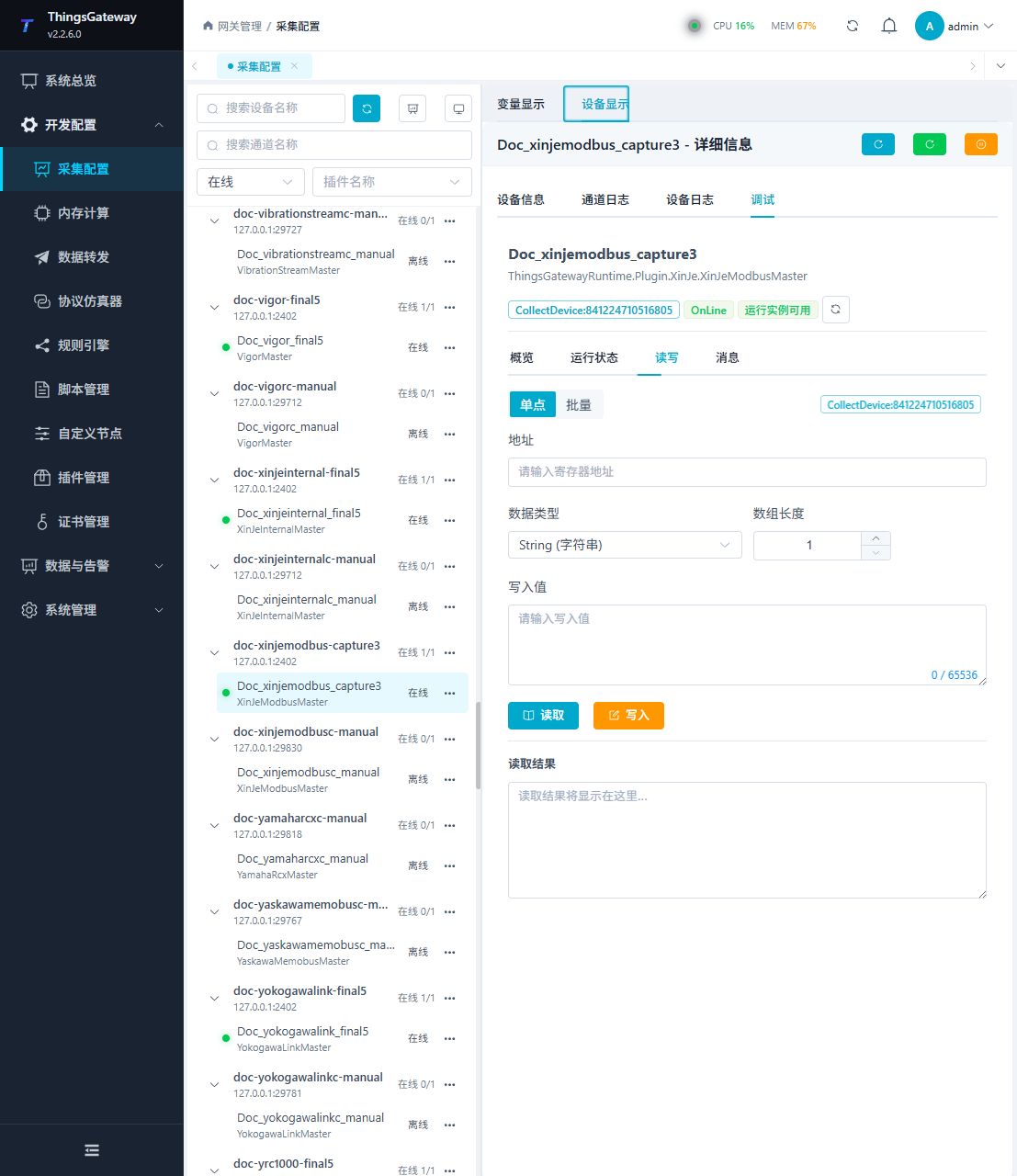
Open Development Configuration → Collection Configuration, select the Xinje device, and click More Functions, then open Debug. This plugin uses the Read/Write and Messages tabs.
| Feature | Purpose |
|---|---|
| Read/Write | Reads one Xinje address or performs an approved write. |
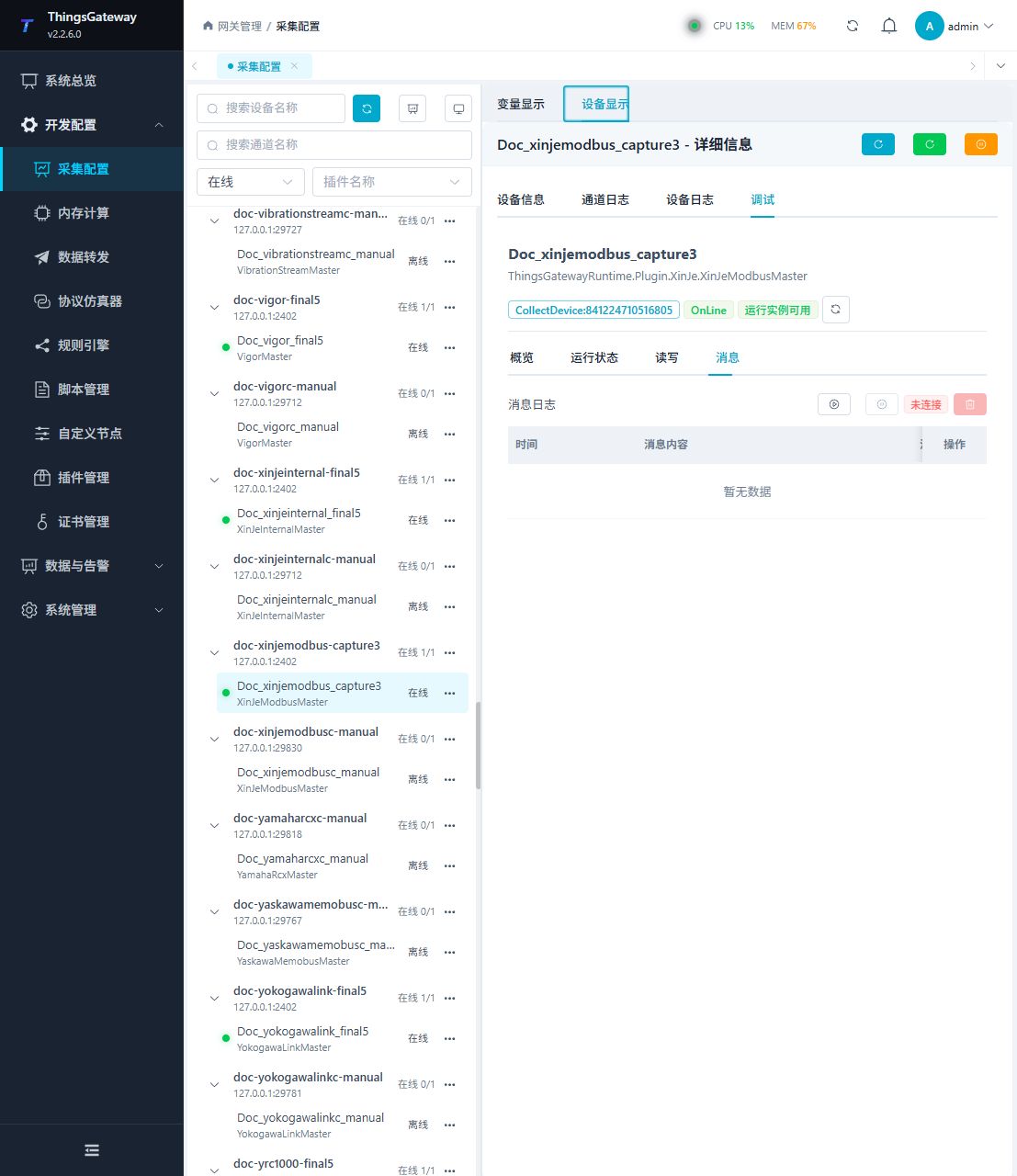
| Messages | Shows protocol requests, responses, and connection logs. |
Read/Write
Enter a Xinje address, data type, and array length. Read first and write only after site approval.
Messages
Start message capture to inspect requests and responses, including station and address translation.
Functions
| Function | Purpose |
|---|---|
| Read and write | Read a confirmed point and write only to an approved test point. |
| Messages | View sent and received frames, protocol fields, and error details. |
Verify the configuration
- Read one known PLC address and verify the series, station, value, and data type.
- Confirm a valid request and response under Messages.
- Write only an approved test point and read it back as required by the site.
Troubleshooting
| Symptom | Check |
|---|---|
| Address read fails | PLC series, area, octal X/Y address, and station. |
| TCP works but RTU fails | Whether the address exceeds the RTU encodable range. |
| Value is incorrect | Data type, array length, and the default CDAB byte order. |
| Serial device does not respond | Station, baud rate, data bits, stop bits, parity, and serial-port ownership. |
Related links
- Collection Configuration: Common channels, devices, variables, and data format.
- Plugin Manual Index: Other collection and data-forwarding plugins.