KeyenceDlen1Master
KEYENCE DL-EN1 sensor command, status and I/O operation driver
Open the plugin
Enter "Development Configuration → Collection Configuration", create a device and select "KeyenceDlen1Master" in "Collection Plugin".
Supported channels and data types
| Channel type | Pre-configuration check |
|---|---|
| TCP Client | Confirm network reachability of the device IP, port, and gateway to the device. |
Optional data types: Select by page options
Address rules
- Keyence DL-EN1 does not support register variable addresses, please use the dynamic method of executing sensor commands to read or control the hanging sensor.
Special methods
| Method | Purpose | Parameters |
|---|---|---|
| ExecuteCommandsAsync | Execute sensor commands | String array |
Device debug
Enter "Development Configuration → Collection Configuration", select the current device and click "More Functions", then open "Debug".
Dedicated debugging page
The protocol debugging page is used to execute the DL-EN1 command and view the returned results.
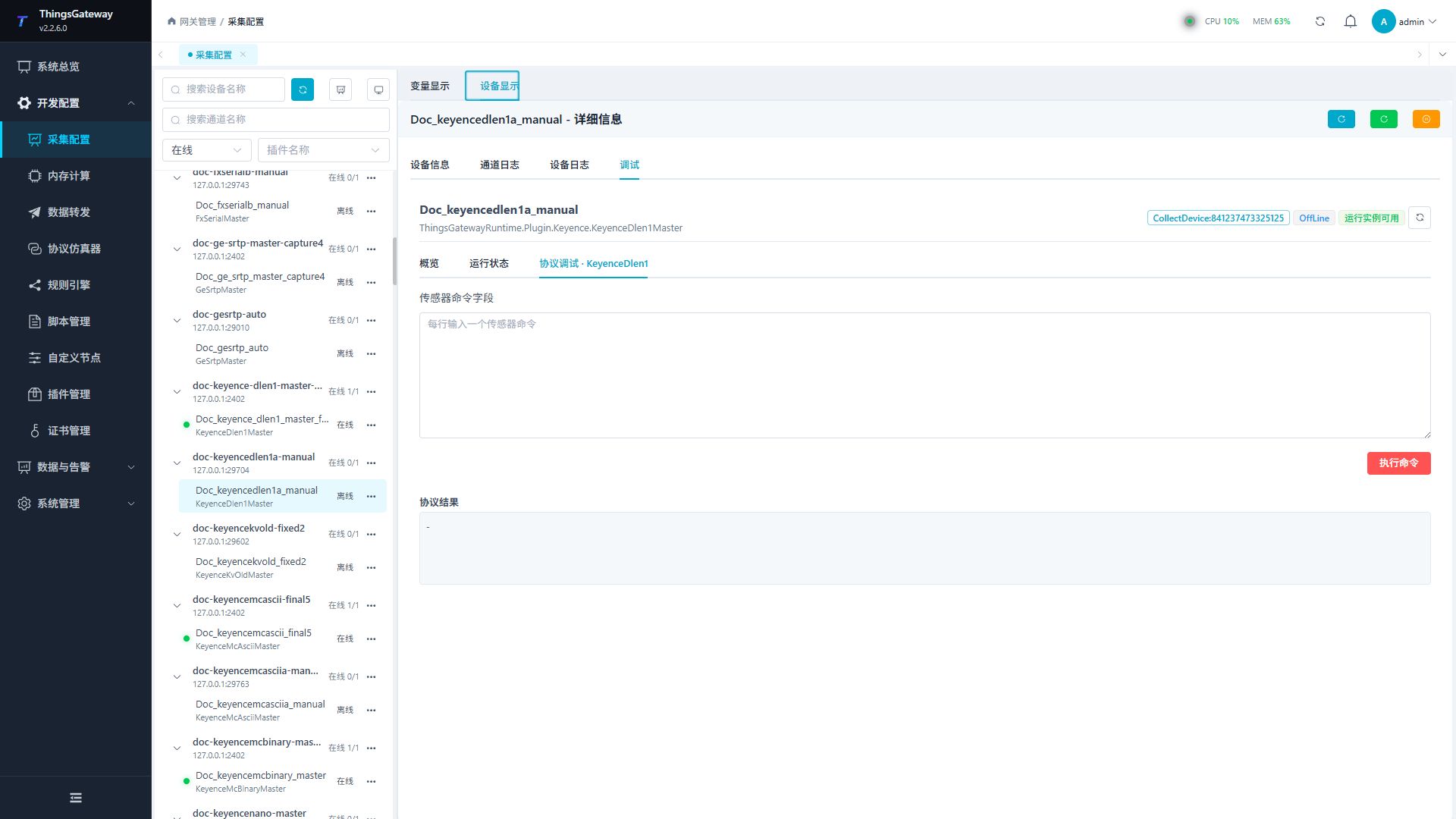
Debugging notes
Use field-confirmed sensor commands without side effects first; any commands are processed as high-risk operations and confirmed twice.
Functions
| Function | Purpose |
|---|---|
| Plugin operation | Use the controls on this plugin page and review the returned result. |
| Execute command | Use Execute command with an approved test point and confirm site safety before execution. |
Verify the configuration
- Use the plugin-specific debug panel with one confirmed test point or test message.
- Confirm that the returned value or received message matches the device point list.
- Perform writes or control operations only with an approved test point and the site safety procedure.
Troubleshooting
- The debug panel shows no result: Check the required inputs and plugin parameters, then inspect the device or target log for a response or error.
- Special method execution fails: Check method parameters and permissions; control, write or reset methods also need to confirm that the device is in a state that allows operation.
Related links
- Collection configuration: View channel, device and common variable configuration.
- Plugin Index: Find other collection or data-forward plugins.