On this page
CIMON HMI Ethernet master
CIMON HMI Ethernet protocol variable read and write driver
Open the plugin
Enter “Development Configuration → Collection Configuration”, create a device and select “CimonHmiMaster” in “Collection Plugin”.
Supported channels and data types
| Channel type | Pre-configuration check |
|---|---|
| TCP Client | Confirm network reachability of the device IP, port, and gateway to the device. |
| UDP | Confirm the local binding address, port and firewall rules, and check the source of the packet. |
Optional data types: Boolean, Int16, UInt16, Int32, UInt32, Float, String
This list describes types allowed by the plugin editor. Address width, arrays, string length and read/write restrictions still follow this page; it does not mean that every address supports every type.
Plugin properties
Protocol parameters
| Setting | Description |
|---|---|
| PLC CPU model | Default: 6; fill in: drop-down selection. PLC CPU model; used to verify the official address range of each device area |
| Frame number | Default: 1; Range: 0~127; Fill in: text input. Frame number; must match PLC or virtual server configuration, range 0 to 127 |
Address rules
- CIMON WORD address: X, Y, M, L, K, F, D, S, TC, TS, CC, CS.
- The last bit of X/Y/M/L/K/F must be 0 when performing WORD access. For example, X10 means WORD 1.
- Boolean is read-only and uses decimal WORD address and bit number, such as D1.15; the bit number range is 0 to 15.
- TC and CC are read-only device areas; the range of a single request is 1 to 512 WORD.
Device debug
Enter “Development Configuration → Collection Configuration”, select the current device then open “Protocol Debug” at the top of the workspace.
Read and write
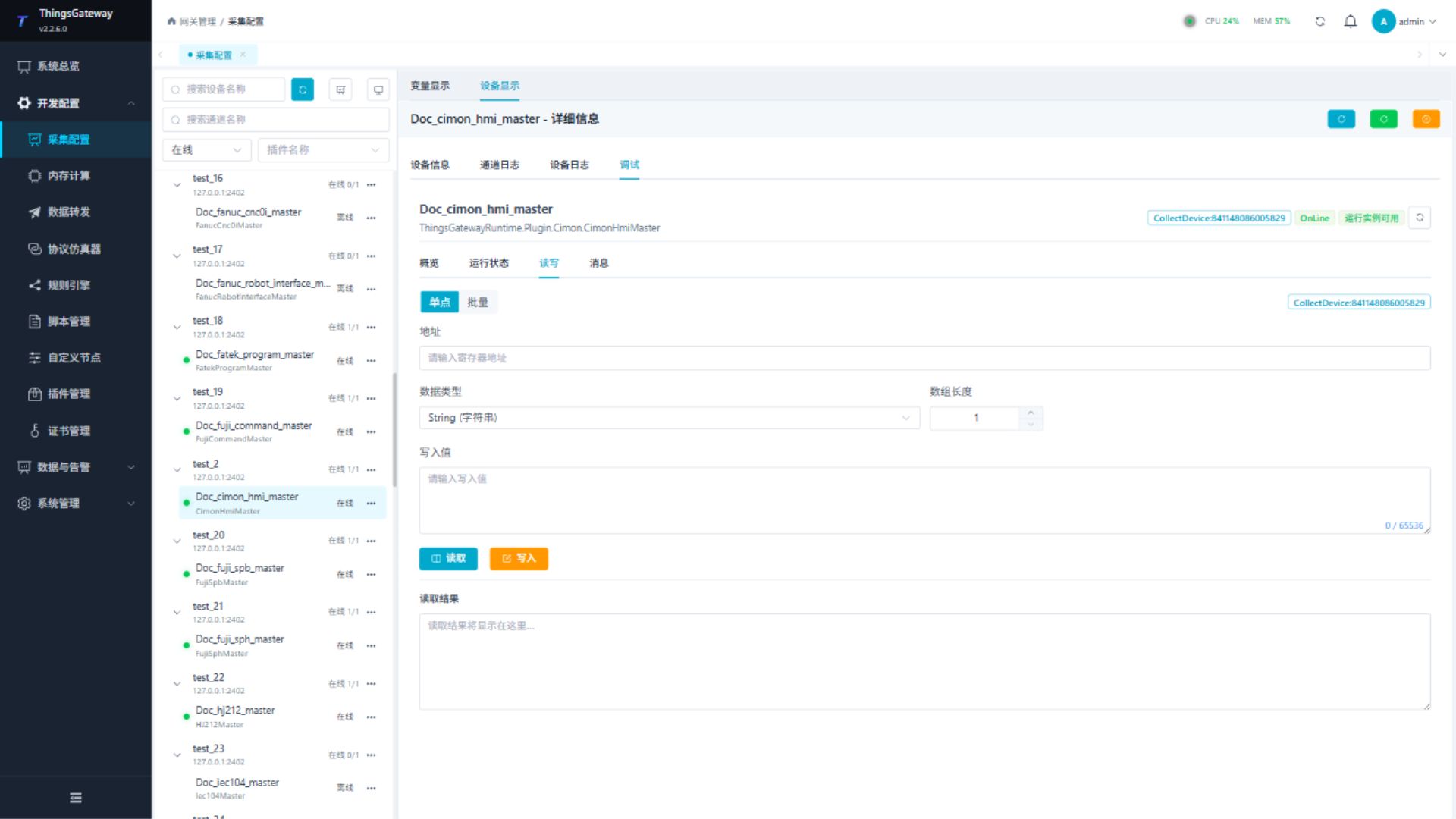
Perform read or write verification according to the current plugin address rules; confirm on-site security and permissions before writing.
Messages
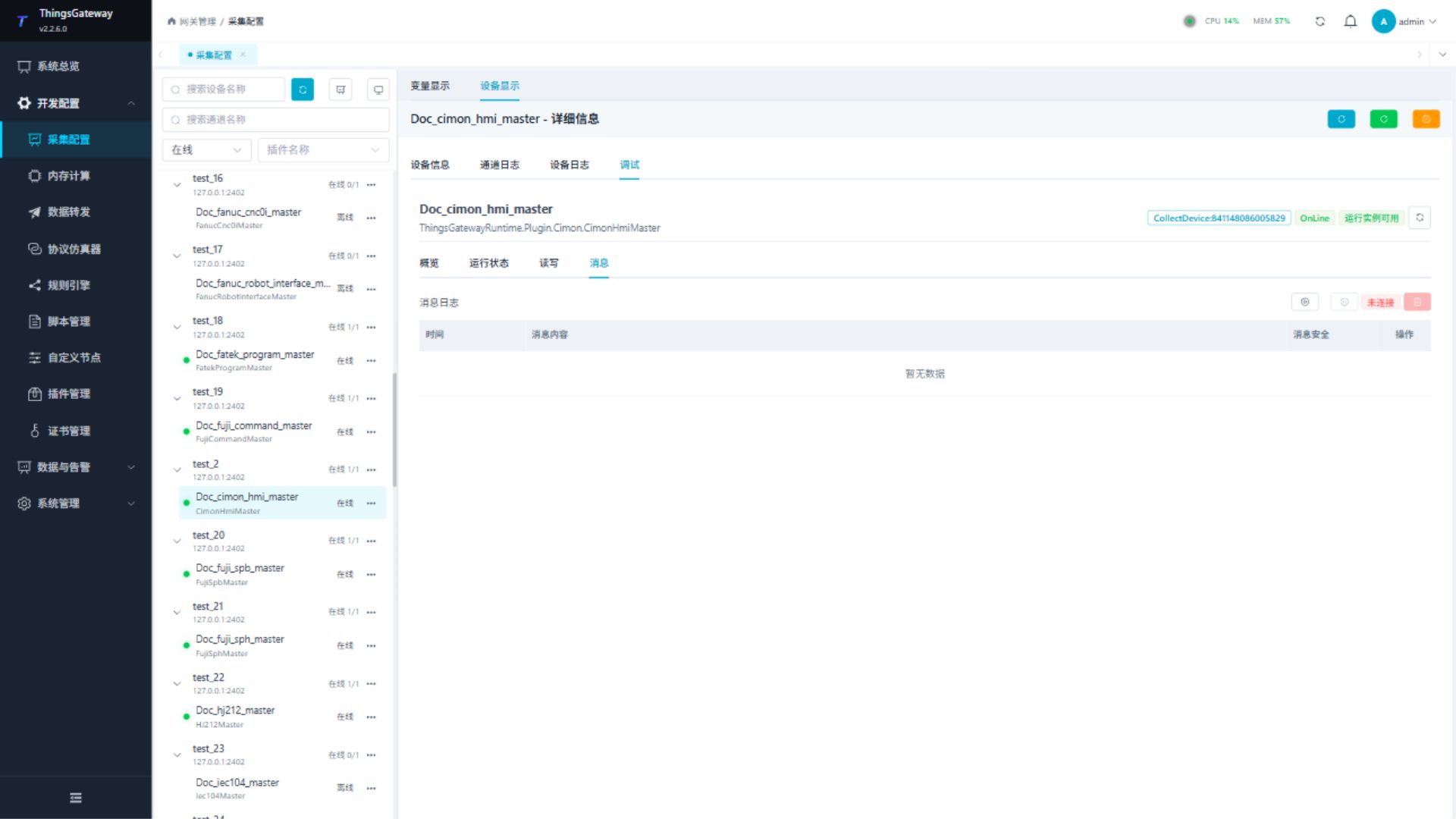
Check the device’s message sending and receiving and protocol logs to locate message format, connection and parsing problems.
Functions
| Function | Purpose |
|---|---|
| Read and write | Read a confirmed point and write only to an approved test point. |
| Messages | View sent and received frames, protocol fields, and error details. |
Verify the configuration
Monitor D1 online in the PLC engineering tool, compare its value with the gateway variable and confirm advancing sample times.
Troubleshooting
- WORD addresses in areas such as X/Y must end in 0. Boolean points are read-only and require a bit suffix.
Related links
- Collection configuration: View channel, device and common variable configuration.
- Plugin Index: Find other collection or data-forward plugins.