On this page
Identity Authentication and Single Sign-On
Open System Management → Identity Authentication to manage OIDC/OAuth2 providers, login policy, site address, and account-link requests. Gateway page and operation permissions still come from users and roles.
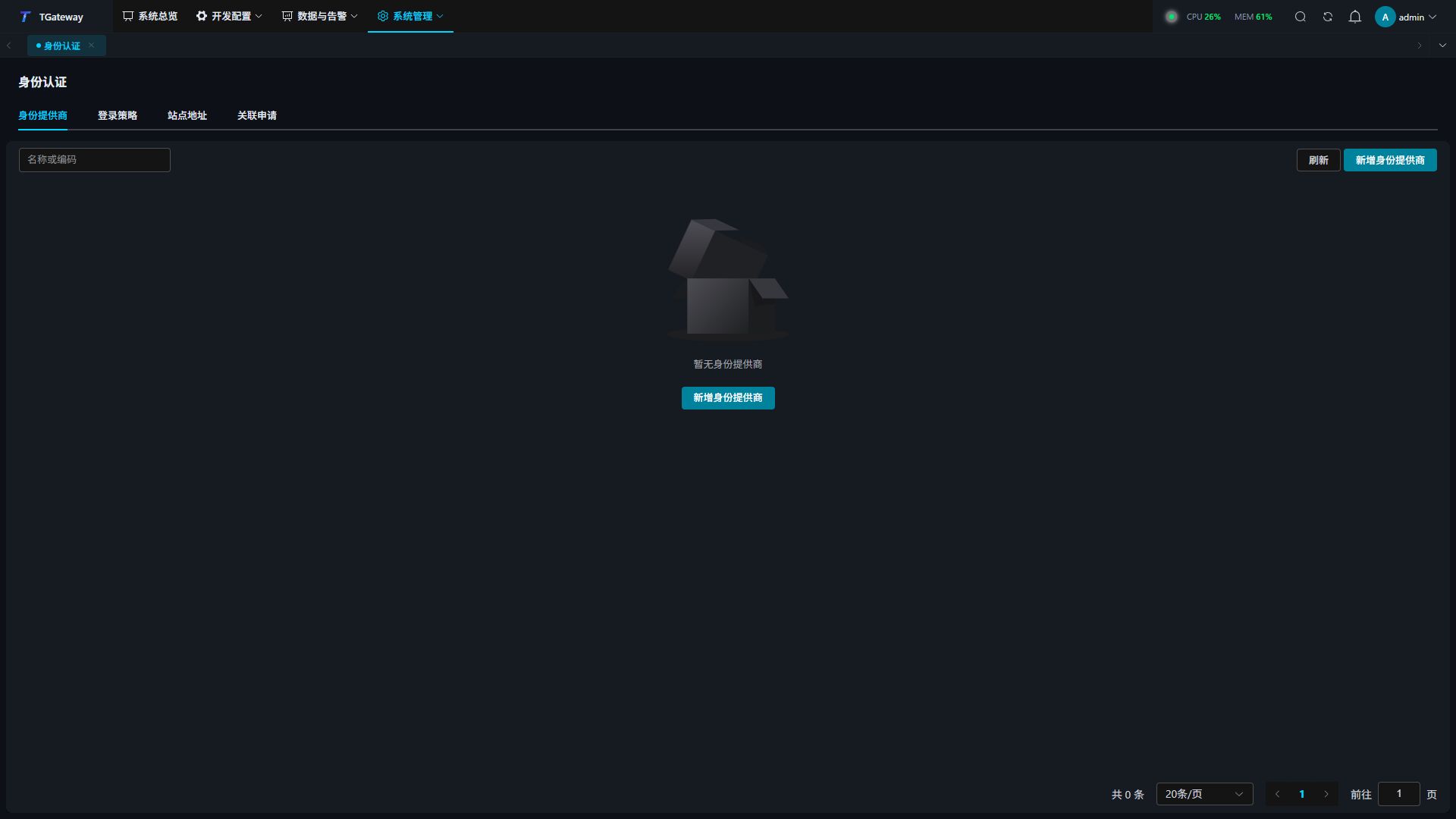
Configure and publish a provider
- Set Site Address to the root URL users actually access, such as
https://gateway.example.com, without a page path. Reverse proxies and the identity platform must use the same public address. - Click Add Identity Provider, enter a unique code and display name, and select a protocol. The GitHub template can provide a starting point; supply the site’s own Client ID and secret.
- Complete connection, user-profile, and linking settings, then Save Draft.
- Register the complete Callback Address displayed on the page with the identity platform. Copy it as shown.
- Run Check Connection and correct discovery, HTTPS, and endpoint host restrictions. Then run Test Login and complete real authentication in the original browser flow.
- After the current draft passes its login test, Publish it and enable the provider and login entry as needed. Saving a draft or passing connection checks does not publish it.
- Test login in a separate browser session and verify the local user, roles, and accessible pages. Keep an administrator session available until verification is complete.
| Setting | Description |
|---|---|
| Code and display name | Provider identity and the name shown at login. |
| Protocol | OIDC or OAuth2, as supported by the platform. |
| Authority / Issuer | OIDC issuer matching discovery metadata and issued identities. |
| Authorization, token, and user-info endpoints | OAuth2 endpoints from the same platform environment. |
| Client ID and client authentication | Match the registered application and token endpoint requirements. |
| Client Secret | Explicitly keep, replace, or clear it. Saved plaintext secrets are not returned. |
| Scope and PKCE S256 | Required profile scopes and platform-supported PKCE settings. |
| Allowed endpoint hosts and ports | Explicit hosts and ports needed for discovery and endpoint access. |
| Stable ID, display-name, and email paths | OAuth2 profile mappings. OIDC identifies users by the validated issuer and subject. |
| First login | Linked accounts only, create pending accounts, or automatically create and sign in. |
| New-user roles | Automatic creation and login require valid ordinary roles. Avoid a shared administrator default. |
| Personal binding / link requests | Whether users can bind identities or request links to existing local accounts. |
| Session lifetime | Absolute and idle lifetimes, in minutes. |
After editing a published provider, save, test, and publish again. Refresh and compare the current version after a concurrency conflict. An identity namespace already published cannot be reassigned to a different identity system; create another provider.
Set login policy
Open Login Policy, choose the mode, default provider, and automatic redirect setting, then save.
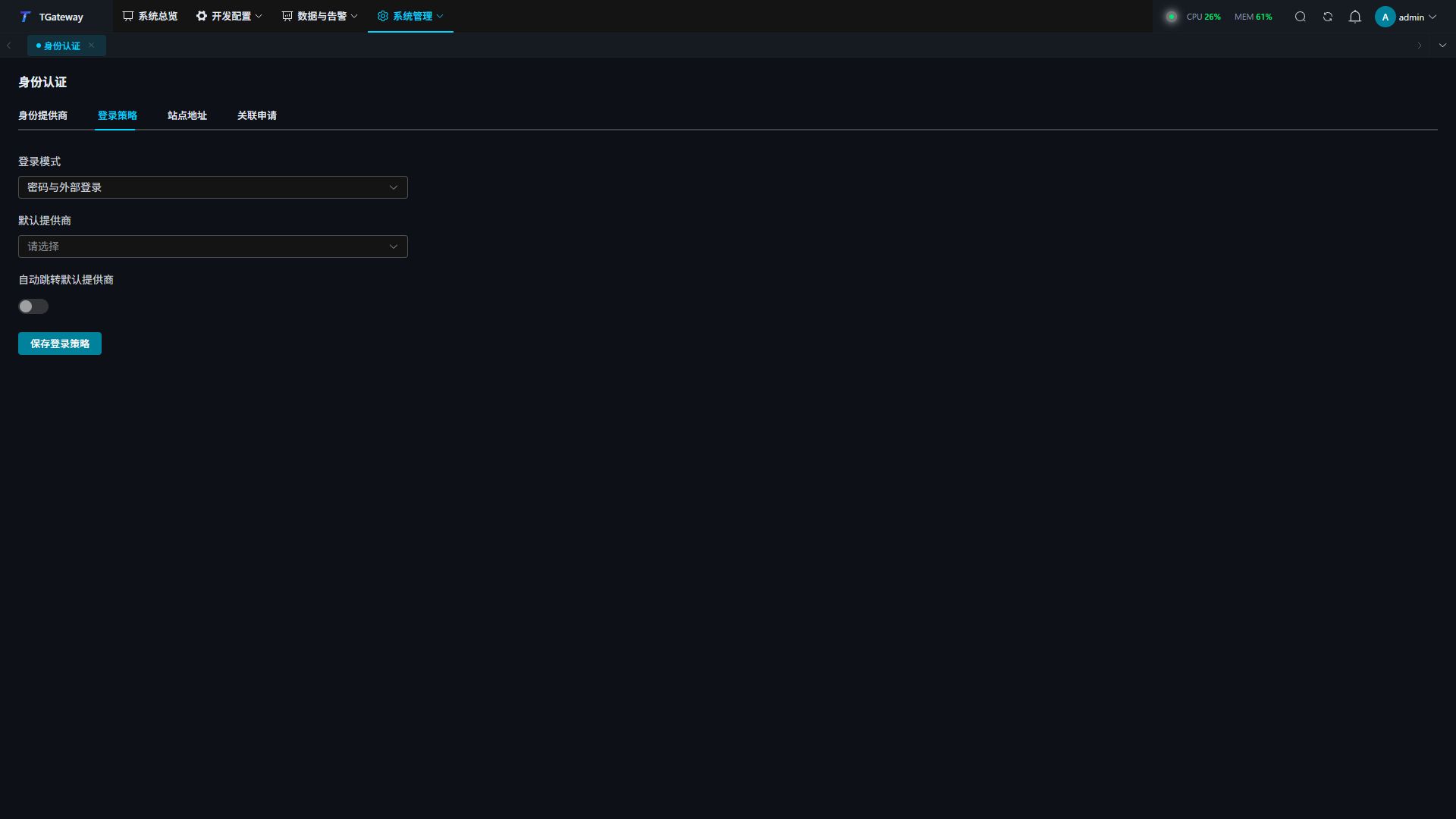
| Mode | Behavior |
|---|---|
| Password only | Local gateway usernames and passwords. |
| Password and external login | Both permitted local and external login entries. |
| SSO only, with recovery account | External identity for ordinary users, with a designated local recovery administrator. |
Before selecting SSO only, choose a recovery administrator with a valid local password and completed mandatory password change. Verify published external login first. Automatic redirection requires a valid default provider. Use Local Recovery Account on the login page, or its ?local entry when automatic redirection is active.
Bind, review, and unlink accounts
Users can open Account and Security → External Accounts from the account menu. Binding or unlinking requires the identity confirmation offered by the page, using an available local password or linked OIDC identity.
Administrators can initiate a linking invitation from a user’s external-account management. The user completes external authentication; administrators then review the identity and local user in Identity Authentication → Link Requests and approve or reject. Manually entering a stable external ID does not replace authentication.
Before unlinking, confirm another login method remains available under the current policy. The last usable method, recovery-account protections, or an existing conflicting link can block submission. Disabling a provider ends sessions authenticated through it; arrange an alternative entry beforehand.
Troubleshooting
| Symptom | Check |
|---|---|
| No provider button at login | Publication, enable state, login-entry visibility, and current policy. |
| Connection check passes but publication is blocked | Complete a real login test for the current draft. |
| Callback mismatch | Site address, platform registration, HTTPS, and the complete displayed callback URL. |
| Endpoint is not allowed | HTTPS, host, and port allowlists for actual endpoints. |
| Issuer or client mismatch | Authority / Issuer, Client ID, and platform environment. |
| External authentication succeeds but pages are inaccessible | Local user enable, lock, review status, and roles. |
| Verification expired or login state changed | Restart from the original site and finish in the original browser flow. |