On this page
KNXnet/IP tunneling master
KNXnet/IP tunnel group address read and write driver
Open the plugin
Enter “Development Configuration → Collection Configuration”, create a device and select “KnxMaster” in “Collection Plugin”.
Supported channels and data types
| Channel type | Pre-configuration check |
|---|---|
| UDP | Confirm the local binding address, port and firewall rules, and check the source of the packet. |
Optional data types: Boolean, Byte, Int16, UInt16, Int32, UInt32, Float, String
This list describes types allowed by the plugin editor. Address width, arrays, string length and read/write restrictions still follow this page; it does not mean that every address supports every type.
Plugin properties
KNX Master supports only the UdpSession channel. Create a UDP session and configure its local bind address first. Configure common timeout, retry, write-priority, and data-format fields through Collection Configuration; the current default data order is ABCD.
Running parameters
| Setting | Description |
|---|---|
| Tunnel heartbeat interval | Default: 60000; fill in: text input. Tunnel heartbeat interval; unit is milliseconds, default 60000; must be greater than zero |
When the device starts, it establishes a KNXnet/IP tunnel and sends connection-state heartbeats at this interval. A failed heartbeat marks the tunnel offline; the next read performs a new handshake. Each group-address variable is read independently. Group values must be 1–254 bytes, and Boolean variables cannot be arrays.
Address rules
- KNX group addresses must use the main/middle/sub format, for example 1/2/3; main group 0..31, middle group 0..7, subgroup 0..255. The read length and write data are both 1..254 bytes.
- String variables need a
len=lengthconverter option in the address; the resulting group value must remain within 1–254 bytes.
Device debug
Enter “Development Configuration → Collection Configuration”, select the current device then open “Protocol Debug” at the top of the workspace.
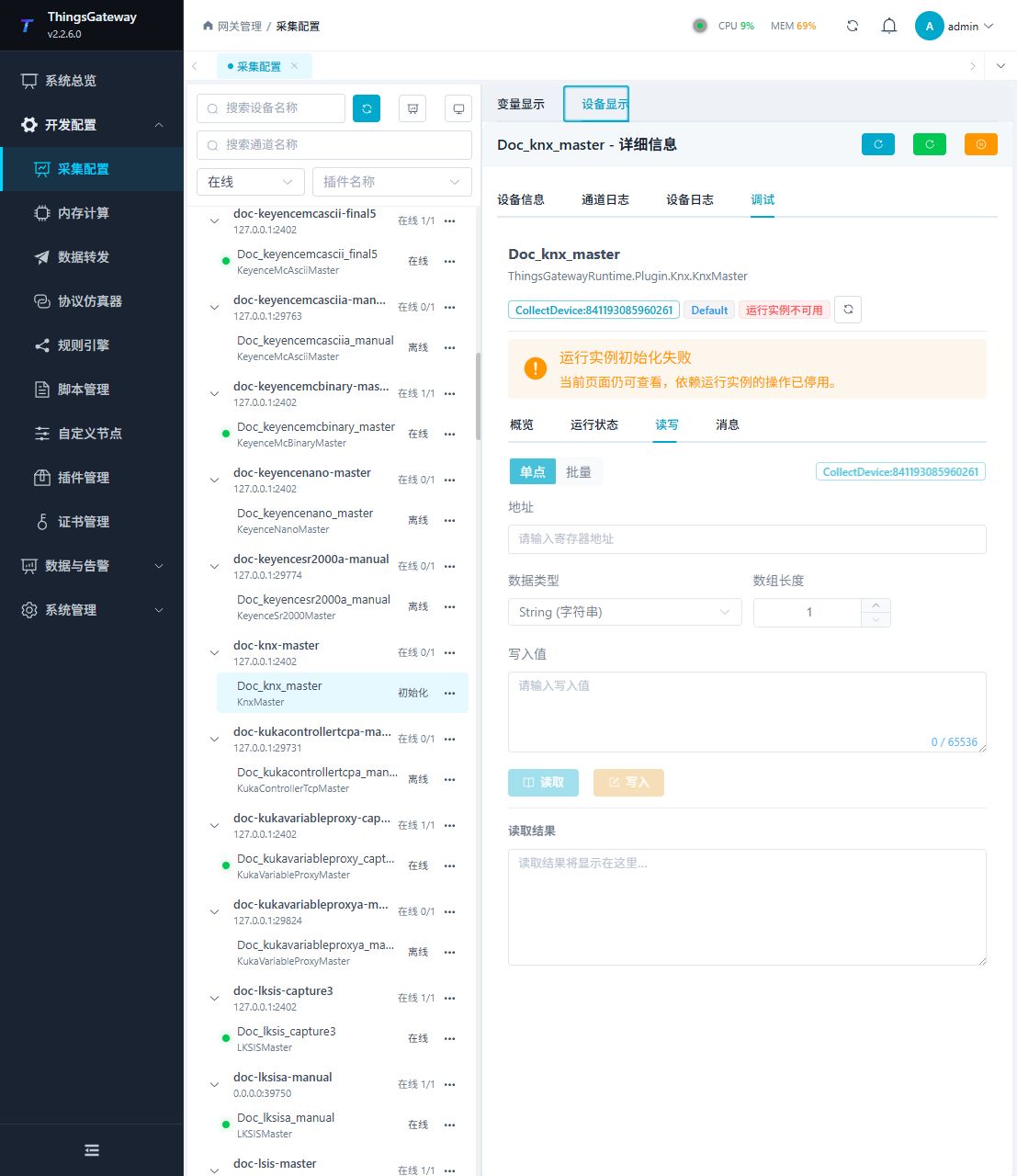
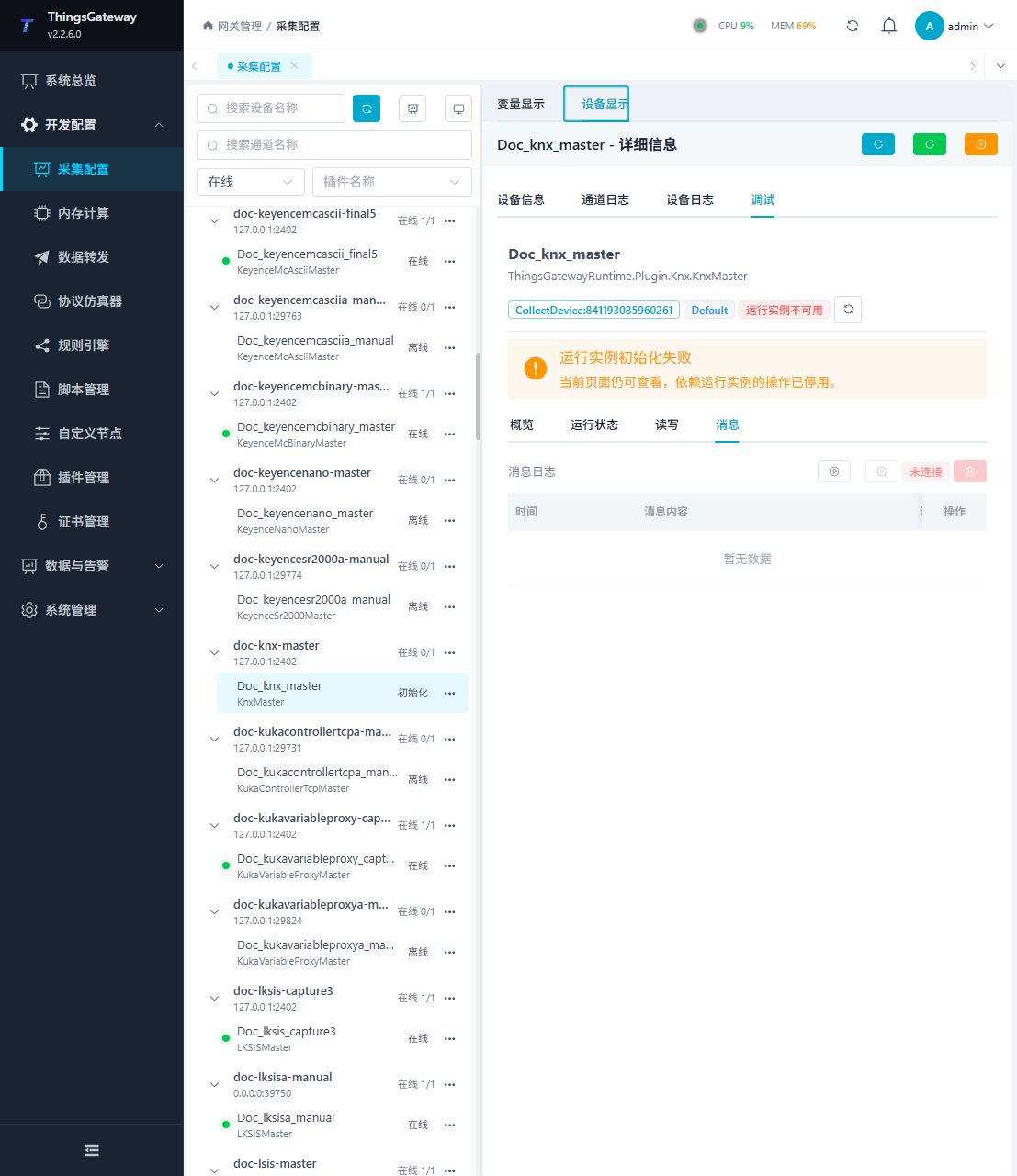
Functions
| Function | Purpose |
|---|---|
| Read and write | Read a confirmed point and write only to an approved test point. |
| Messages | View sent and received frames, protocol fields, and error details. |
Verify the configuration
Bind group address 1/2/3 to a one-bit test value and compare with the same telegram in ETS Group Monitor.
Troubleshooting
- A tunnel connection does not prove correct group address or DPT. Boolean arrays are unsupported; strings need len.
Related links
- Collection configuration: View channel, device and common variable configuration.
- Plugin Index: Find other collection or data-forward plugins.