On this page
Oriental Motor cyclic I/O
Oriental Motor EtherNet/IP cyclic I/O mirror read and write driver
Open the plugin
Enter “Development Configuration → Collection Configuration”, create a device and select “OrientalMotorMaster” in “Collection Plugin”.
Supported channels and data types
| Channel type | Pre-configuration check |
|---|---|
| TCP Client | Confirm network reachability of the device IP, port, and gateway to the device. |
Optional data types: Byte, Int16, UInt16, Int32, UInt32, Int64, UInt64, Float, Double, String
Plugin properties
Protocol parameters
| Setting | Description |
|---|---|
| Run/Idle header | Default: 1; fill in: text input. Set the Run/Idle header used for protocol communication. |
Running parameters
| Setting | Description |
|---|---|
| RPI time | Default: 100; Range: 1~4294967; Fill in: text input. Set the RPI time used when the plugin is run. |
| Connection timeout | Default: 2; Range: 1~256; Fill in: digital input. Sets the connection timeout used when the plugin is run. |
Address rules
- The Oriental Motor cyclic I/O address is input, input[byte offset], output or output[byte offset].
- Both input and output images are fixed at 172 bytes; reading from both is allowed, only writing to output is allowed.
- Scalars are in little-endian byte order; fixed-length strings must be configured with the len parameter.
Device debug
Enter “Development Configuration → Collection Configuration”, select the current device then open “Protocol Debug” at the top of the workspace.
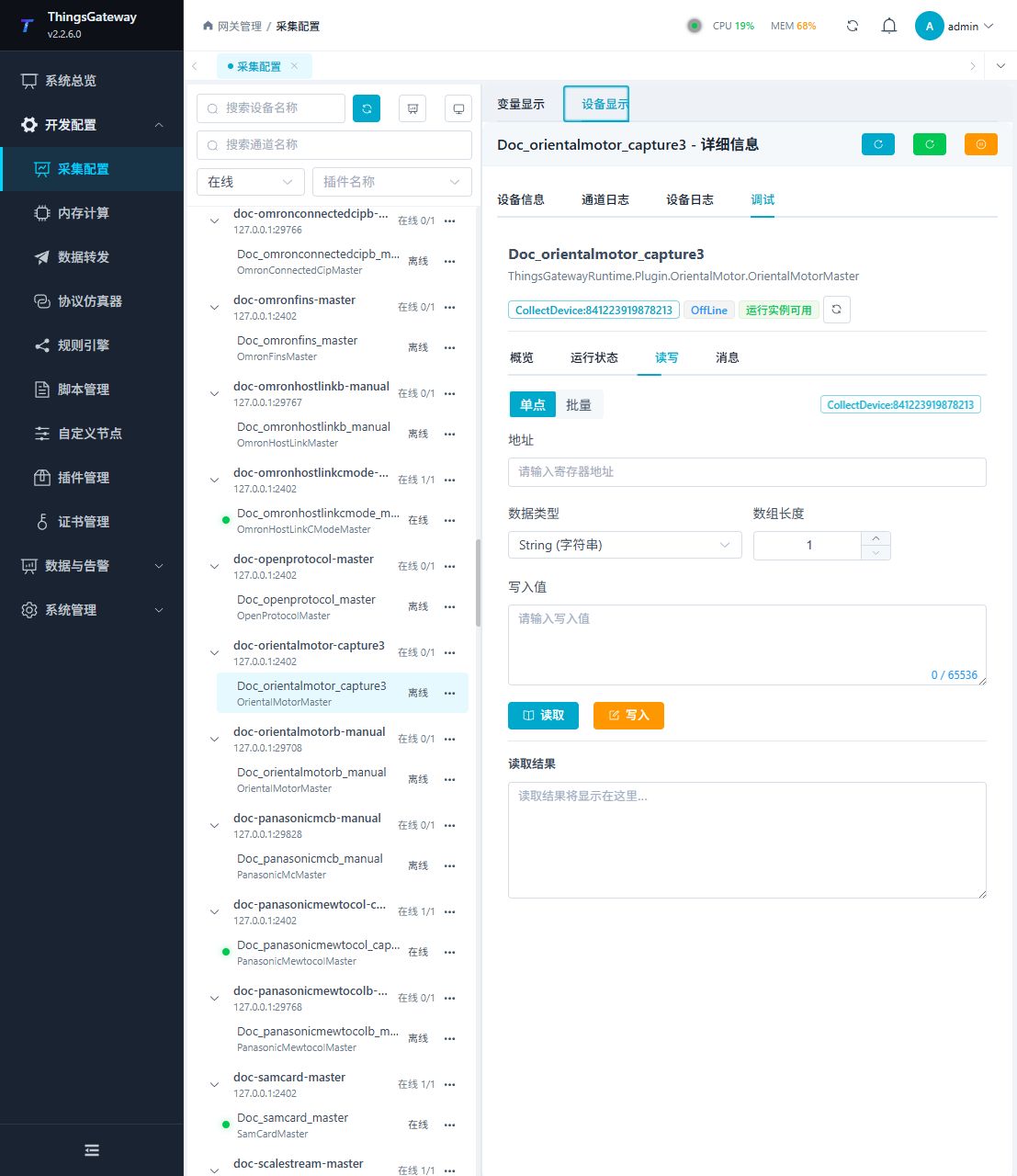
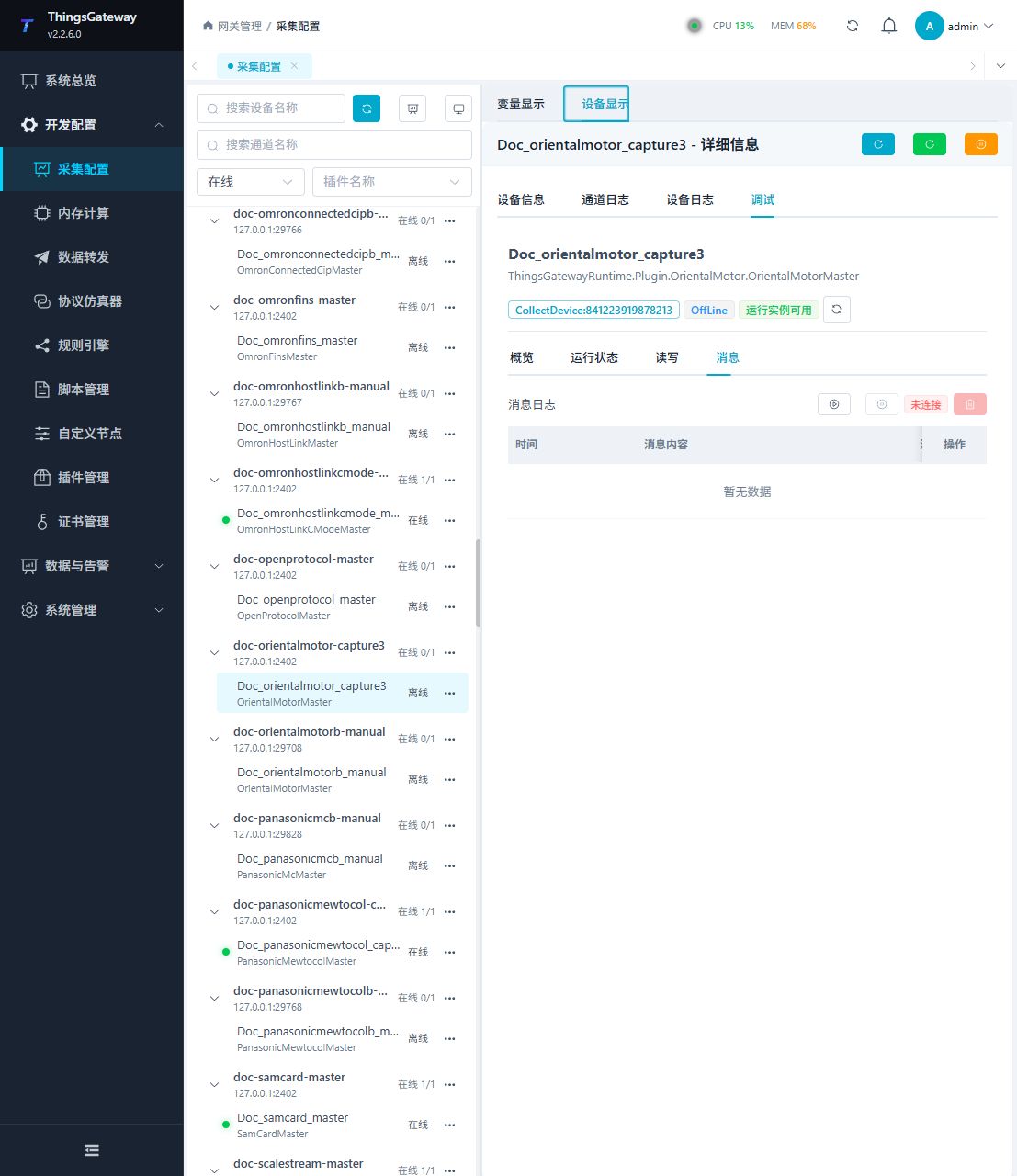
Functions
| Function | Purpose |
|---|---|
| Read and write | Read a confirmed point and write only to an approved test point. |
| Messages | View sent and received frames, protocol fields, and error details. |
Verify the configuration
Compare the first little-endian Int16 with the controller input area; n in input[n] is a byte offset and must fit the type width.
Troubleshooting
- input is read-only; only output permits writes. Verify cyclic arrival and business status separately without writing test motion outputs.
Related links
- Collection configuration: View channel, device and common variable configuration.
- Plugin Index: Find other collection or data-forward plugins.