On this page
Inovance EasyNet master
Inovance EasyNet PLC address read and write driver
Open the plugin
Enter “Development Configuration → Collection Configuration”, create a device and select “InovanceEasyNetMaster” in “Collection Plugin”.
Supported channels and data types
| Channel type | Pre-configuration check |
|---|---|
| TCP Client | Confirm network reachability of the device IP, port, and gateway to the device. |
Optional data types: Boolean, Byte, Int16, UInt16, Int32, UInt32, Int64, UInt64, Float, Double, String, Decimal
This list describes types allowed by the plugin editor. Address width, arrays, string length and read/write restrictions still follow this page; it does not mean that every address supports every type.
Address rules
- EasyNet supports W, D, R, X, Y, M, S, B, U, UB, UW addresses;
Device debug
Enter “Development Configuration → Collection Configuration”, select the current device then open “Protocol Debug” at the top of the workspace.
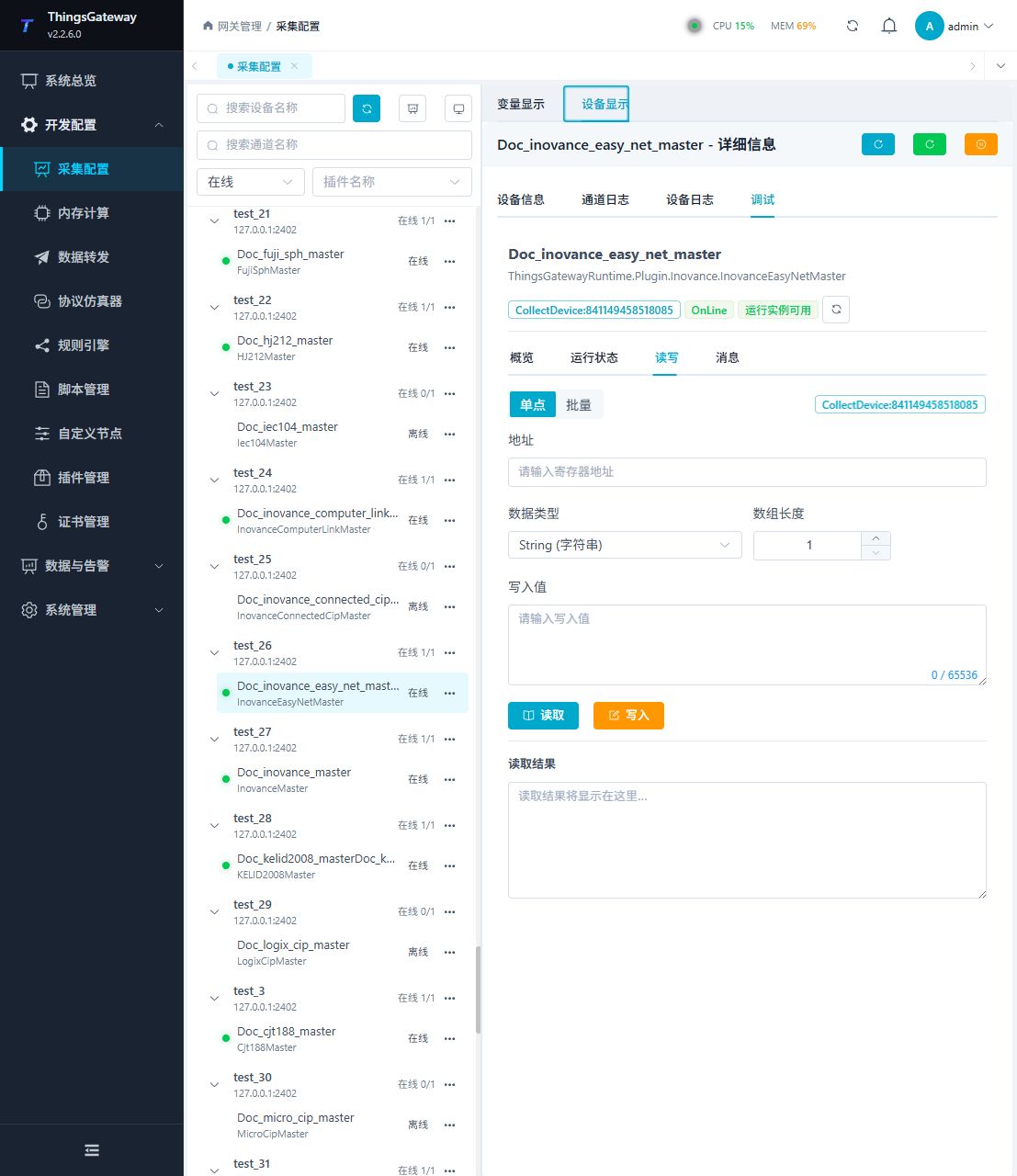
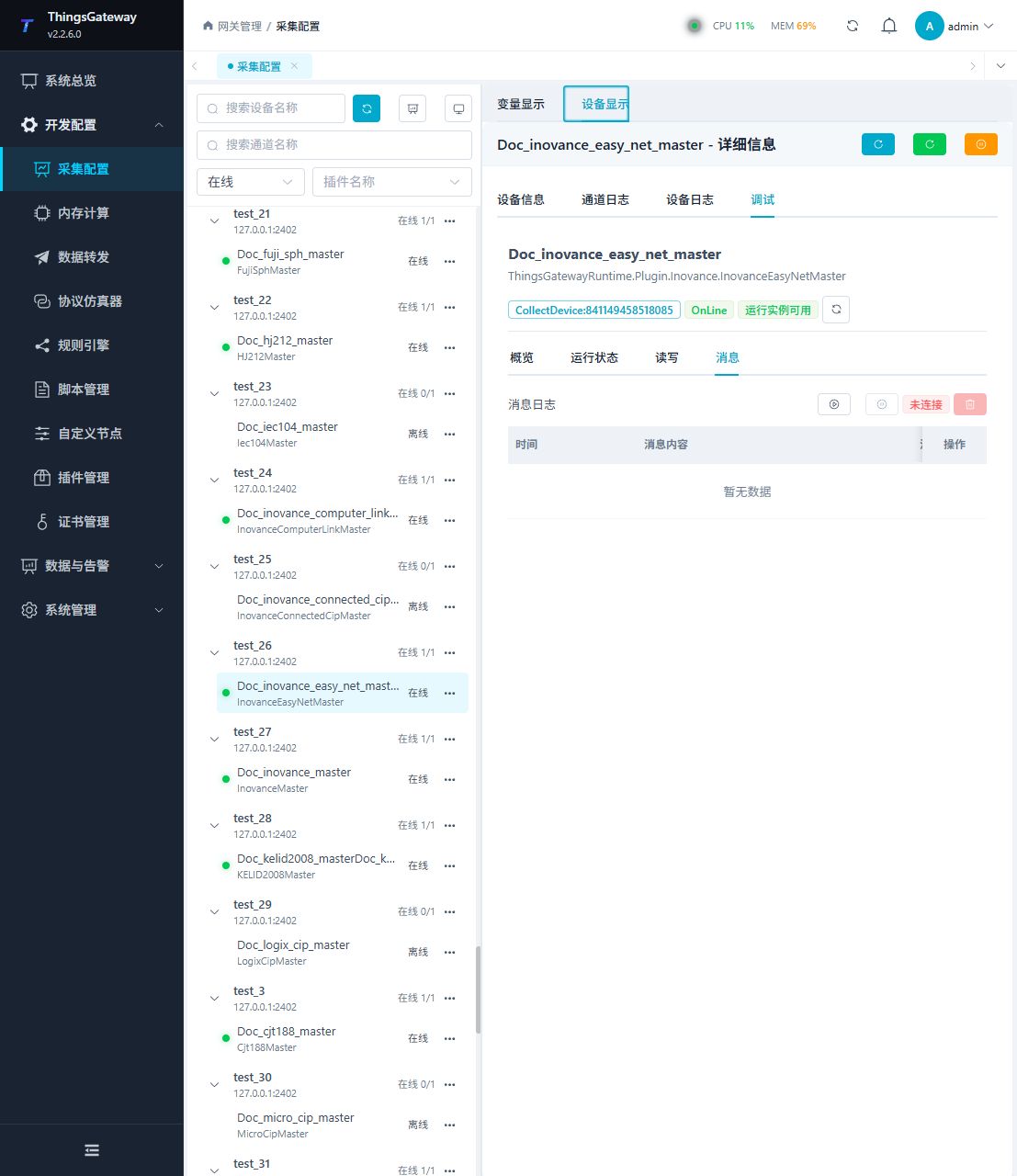
Functions
| Function | Purpose |
|---|---|
| Read and write | Read a confirmed point and write only to an approved test point. |
| Messages | View sent and received frames, protocol fields, and error details. |
Verify the configuration
Monitor D0 online in the PLC engineering tool, compare its value with the gateway variable and confirm advancing sample times.
Troubleshooting
- X/Y are octal and U areas hexadecimal. Requests allow 512 WORDs; keep each area’s radix distinct.
Related links
- Collection configuration: View channel, device and common variable configuration.
- Plugin Index: Find other collection or data-forward plugins.